Sleep
Know what last night was worth.
Stages, sleep debt and consistency, and the bedtime that clears the debt. Not just a score, a plan for tonight.
Features
Start with what you log yourself and supported data from your phone. A watch or ring can add more measurements. Available scores depend on the data you have.
On iPhone, connect supported data through Apple Health. You can also log meals and check-ins and measure HRV with your phone camera.
No. A watch must share the measurement with Apple Health or Health Connect, and you must allow Svanu to read it. A synced workout does not guarantee that HRV or sleep stages are available. Check your source app and permissions.
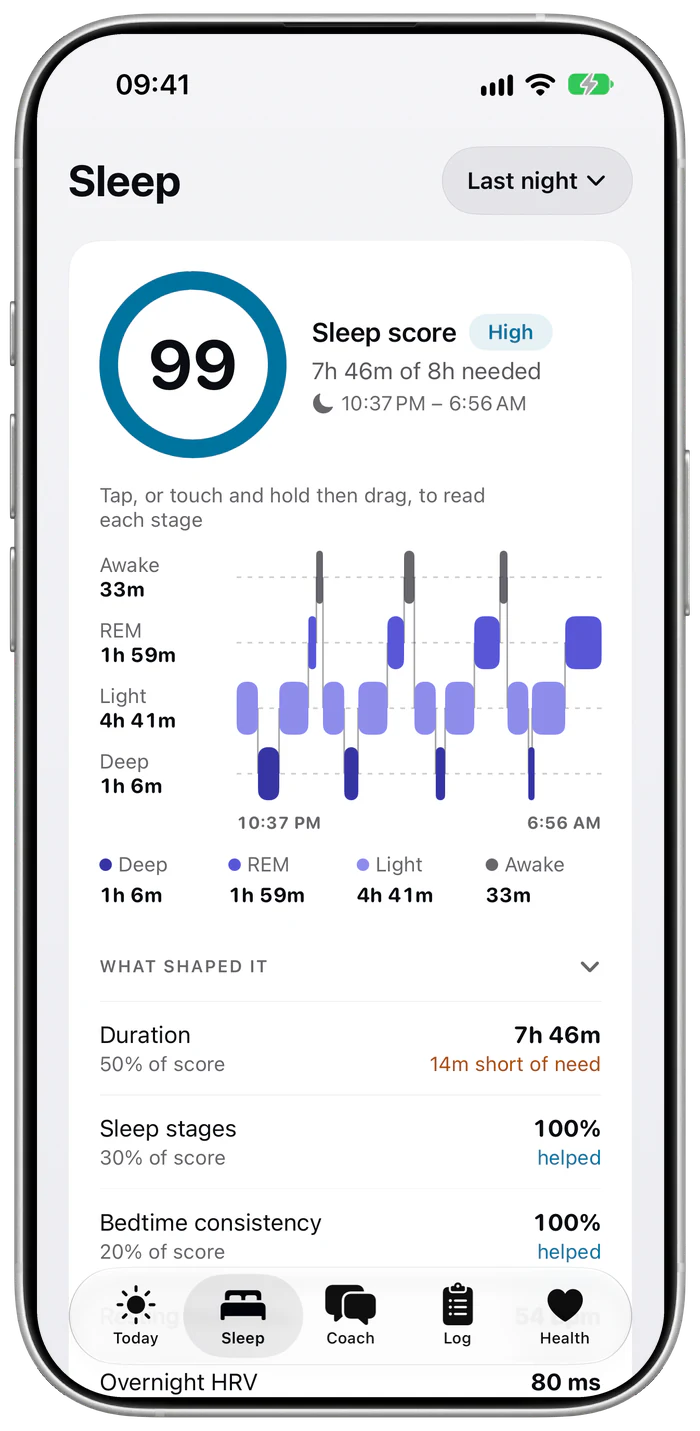
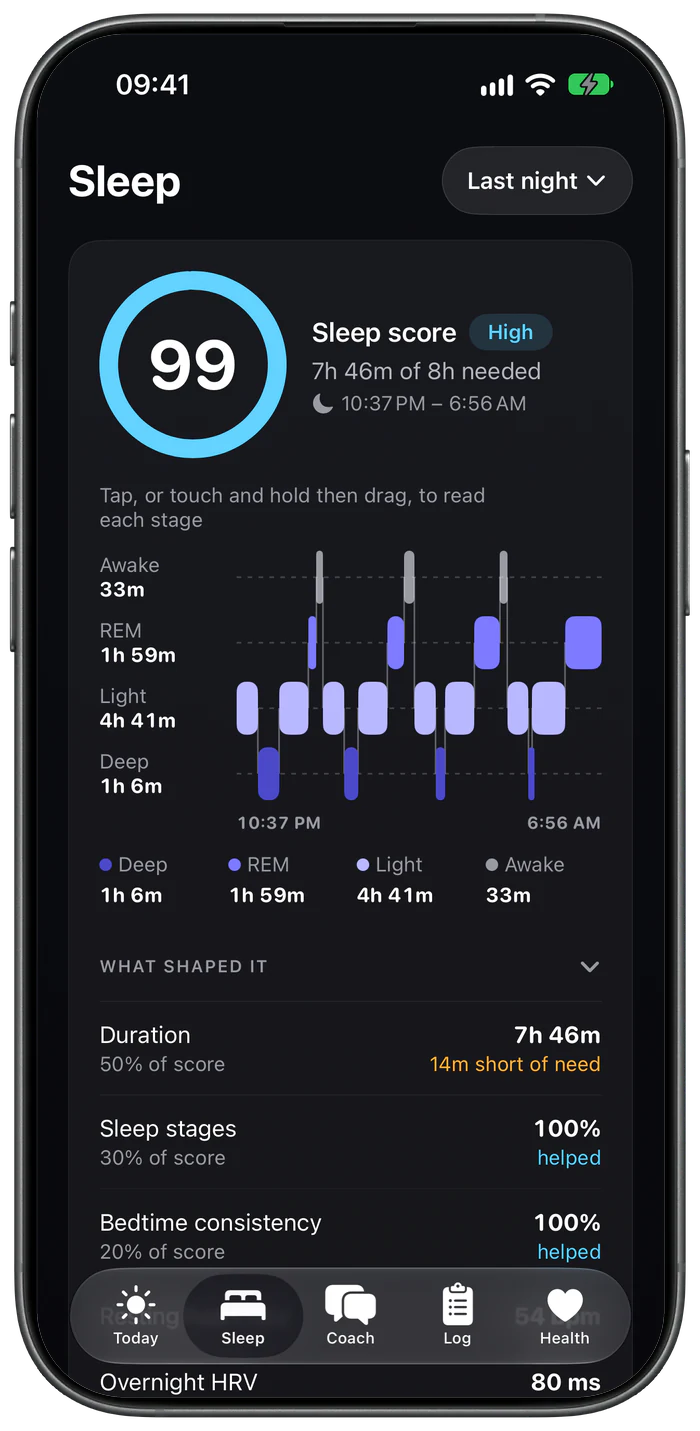
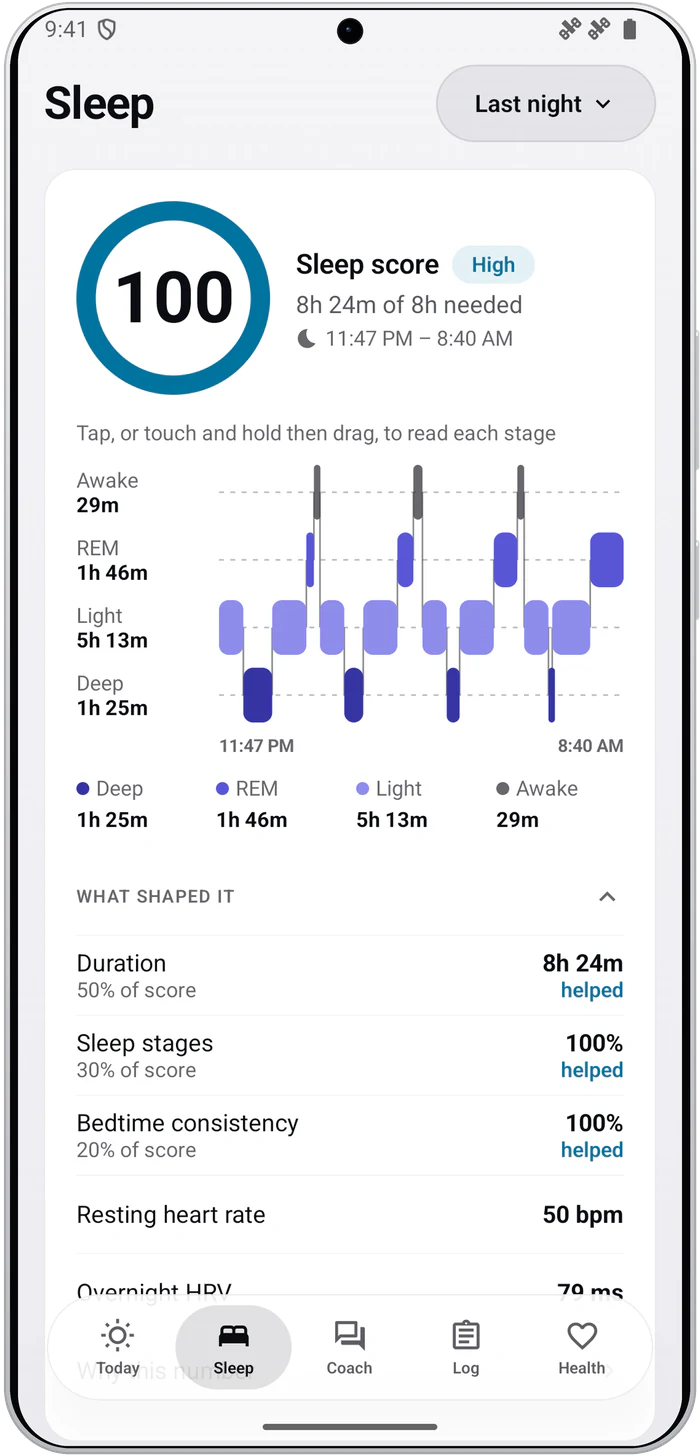
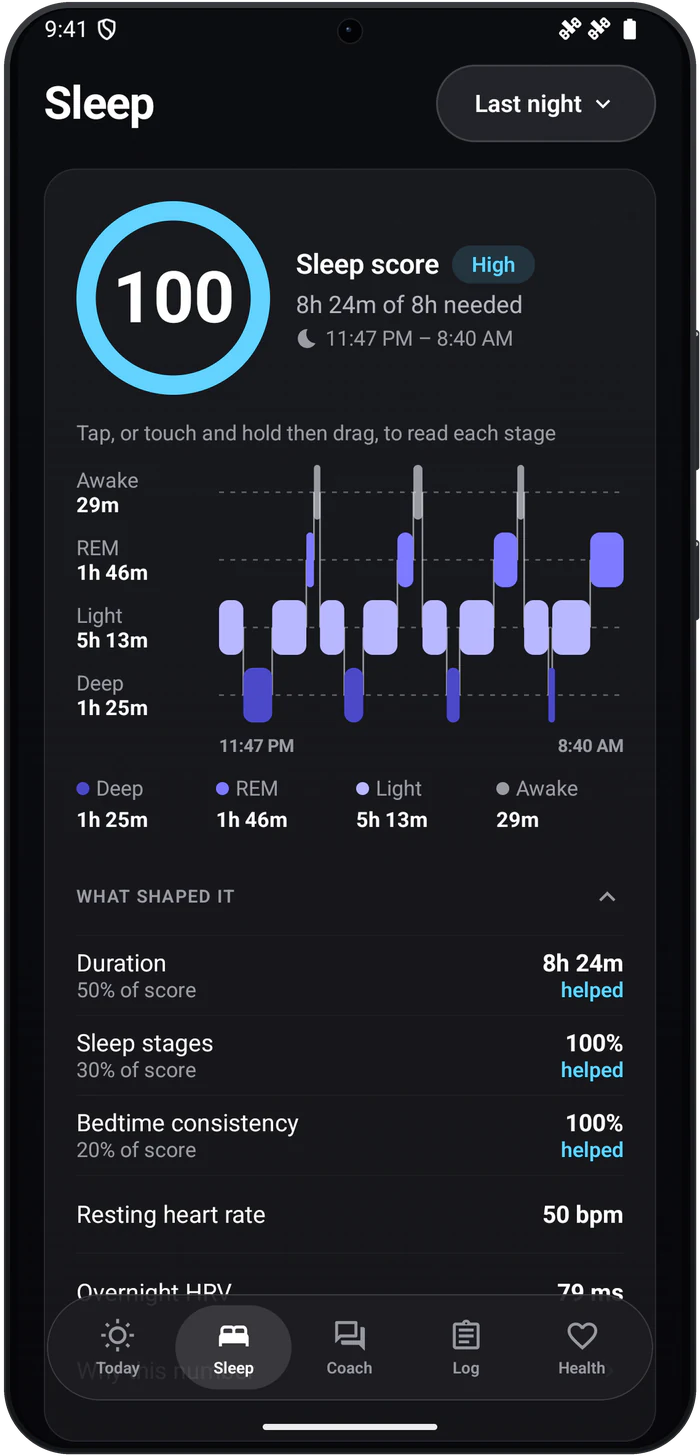
Sleep
Stages, sleep debt and consistency, and the bedtime that clears the debt. Not just a score, a plan for tonight.
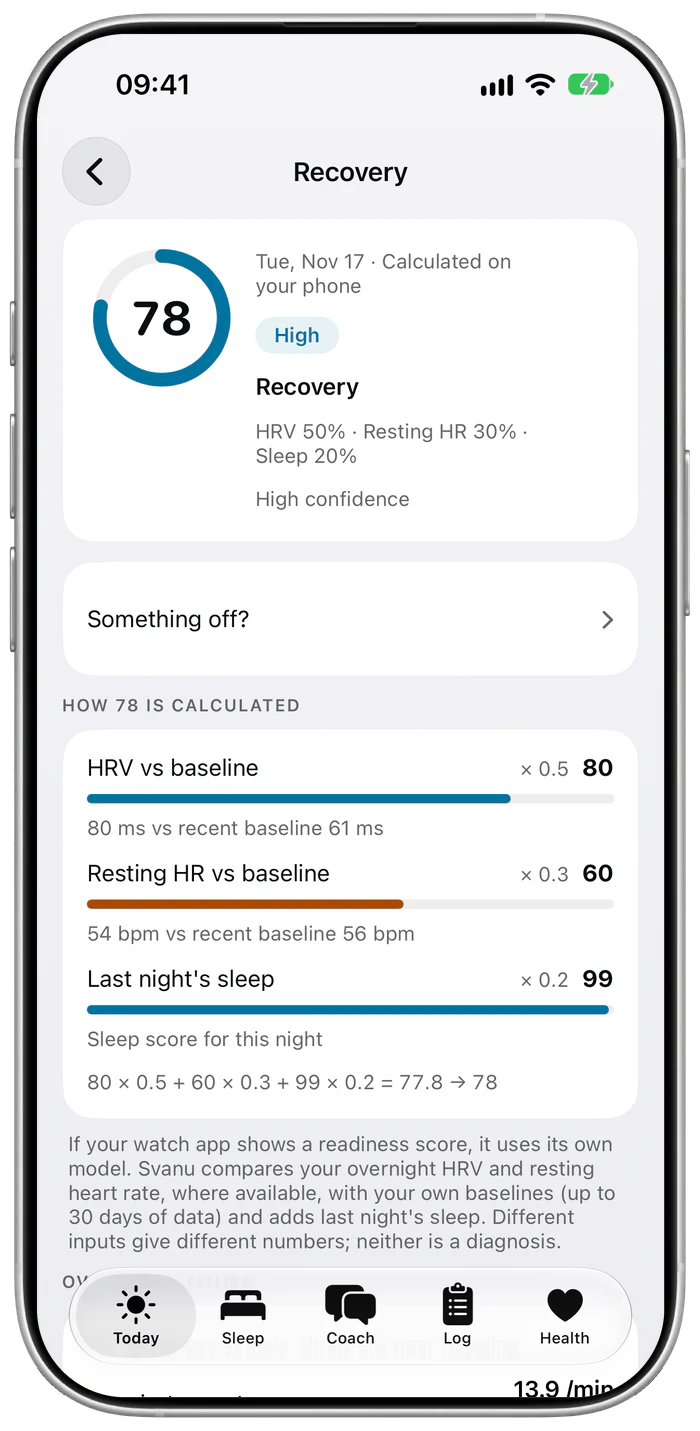
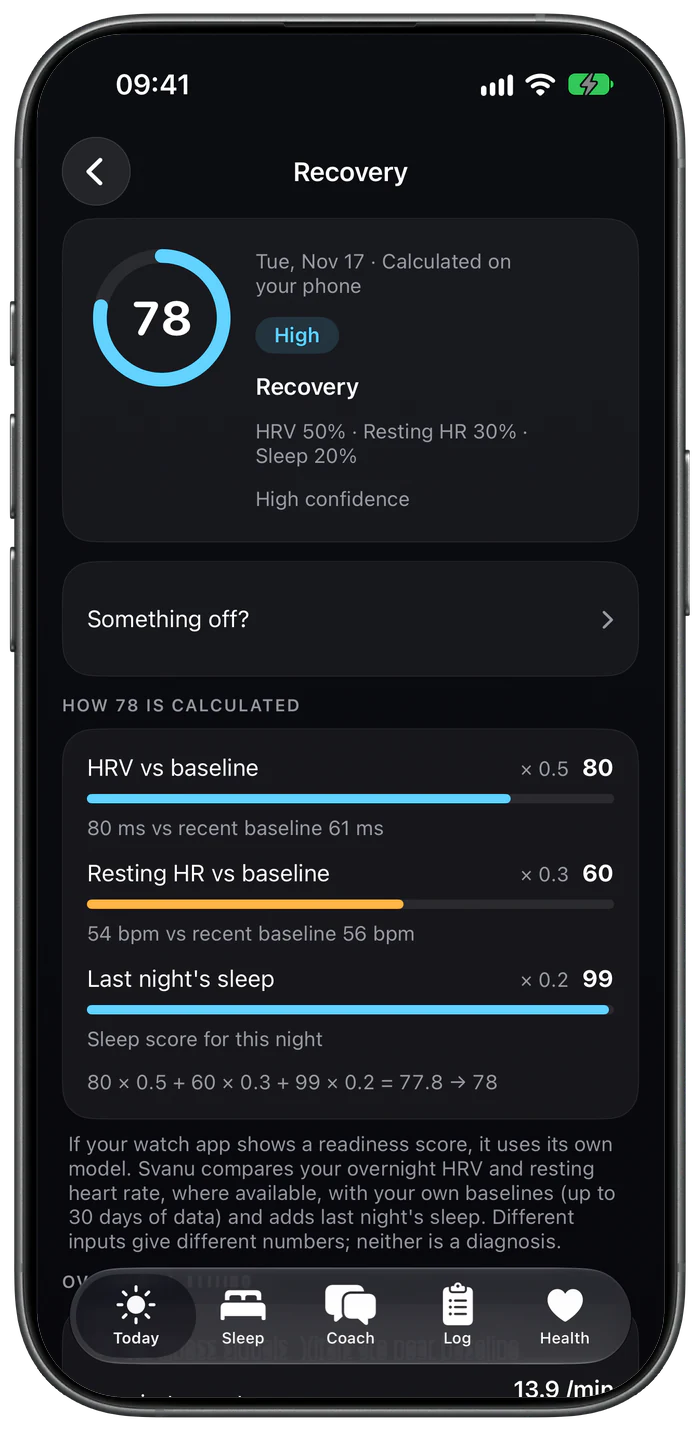
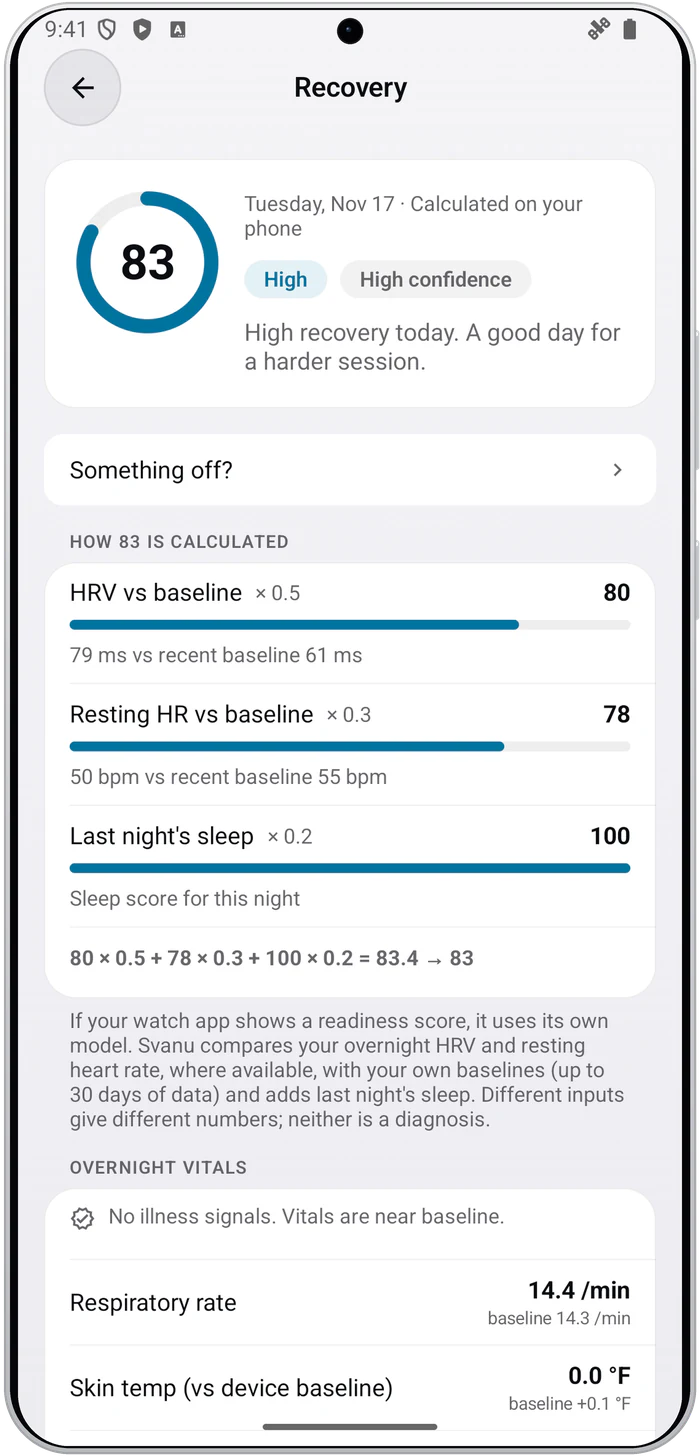
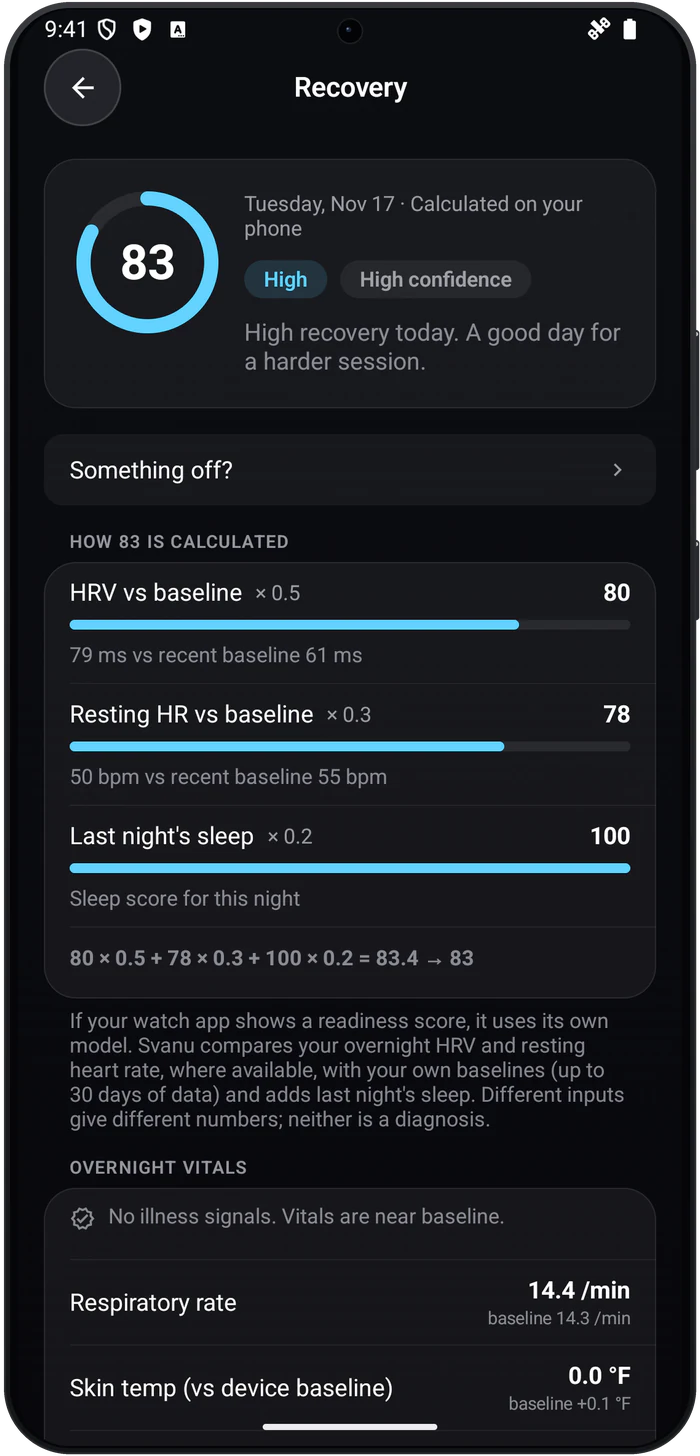
Explainable
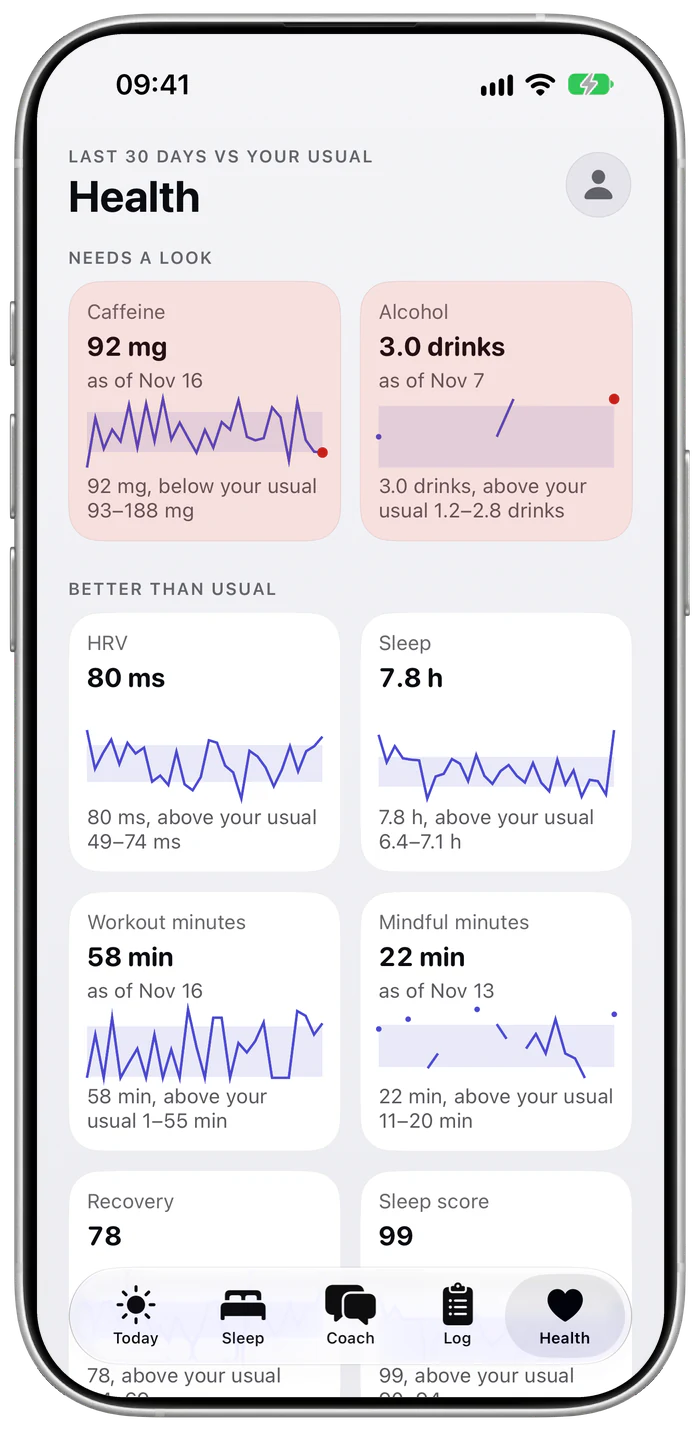
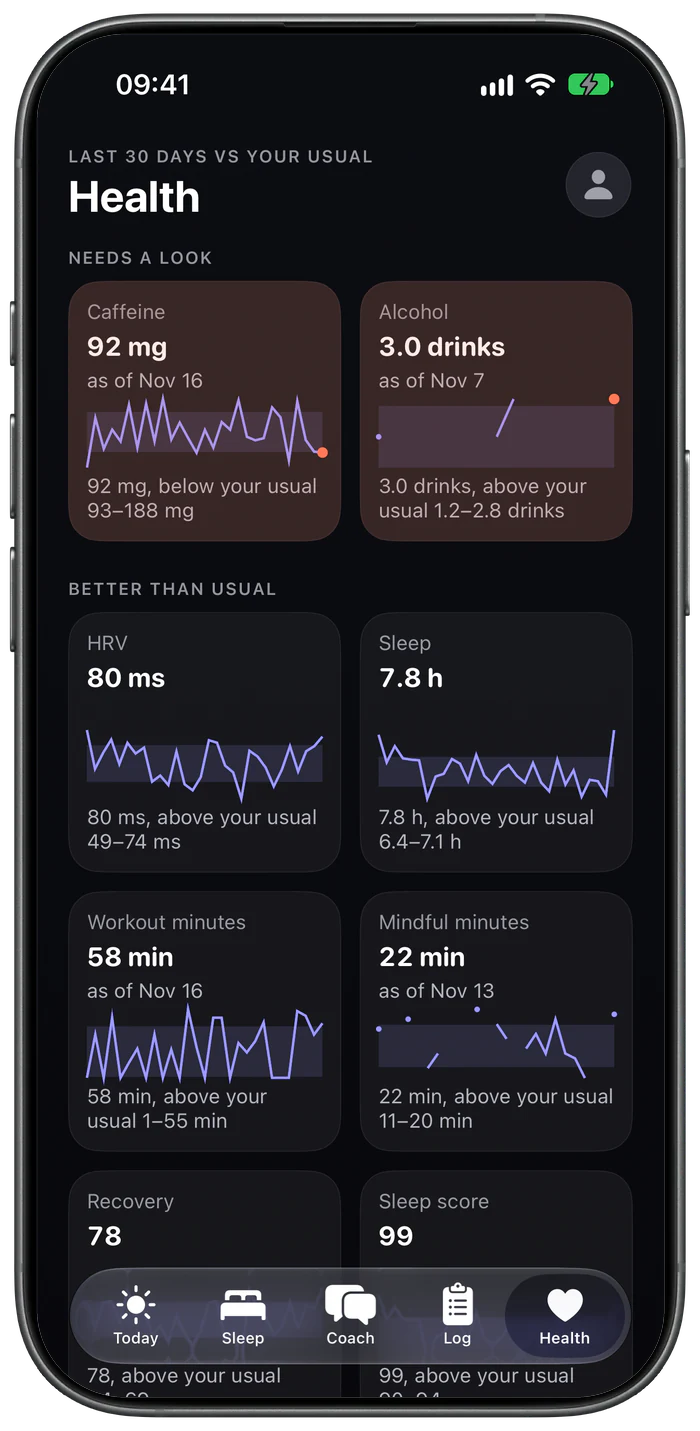
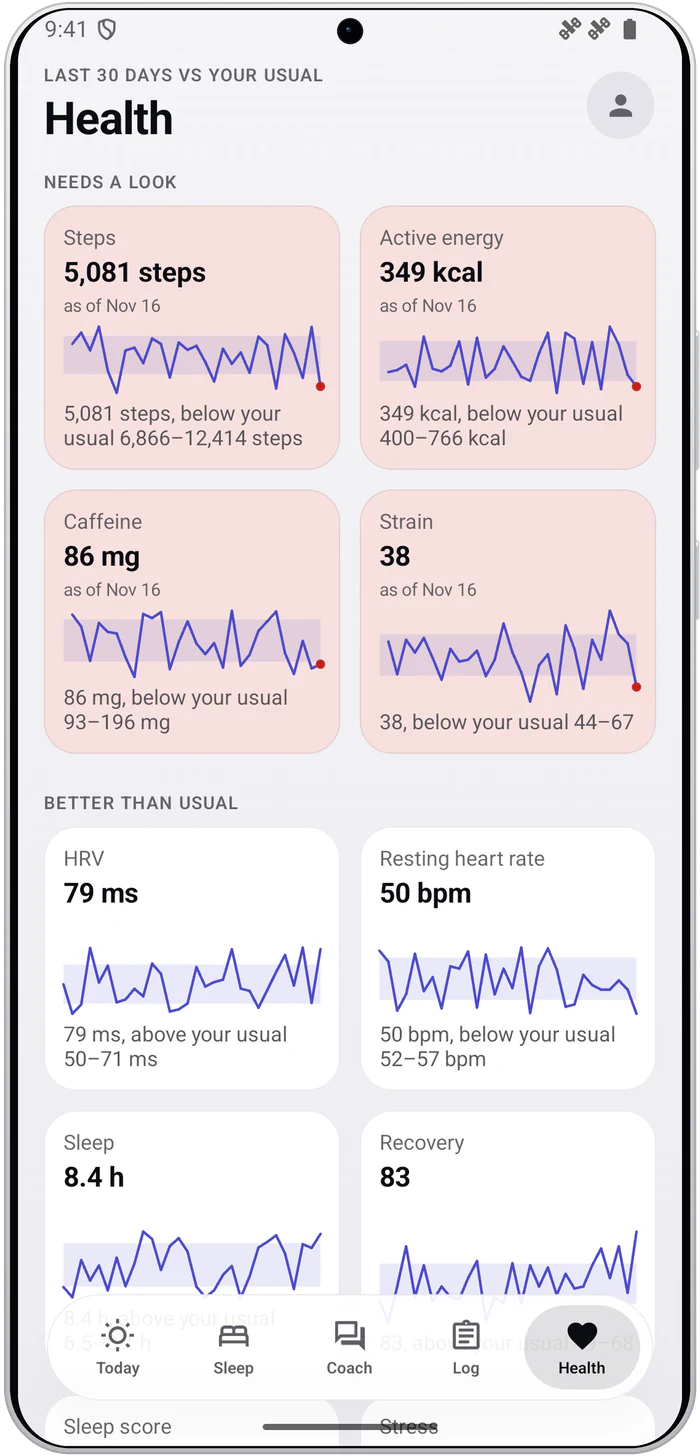
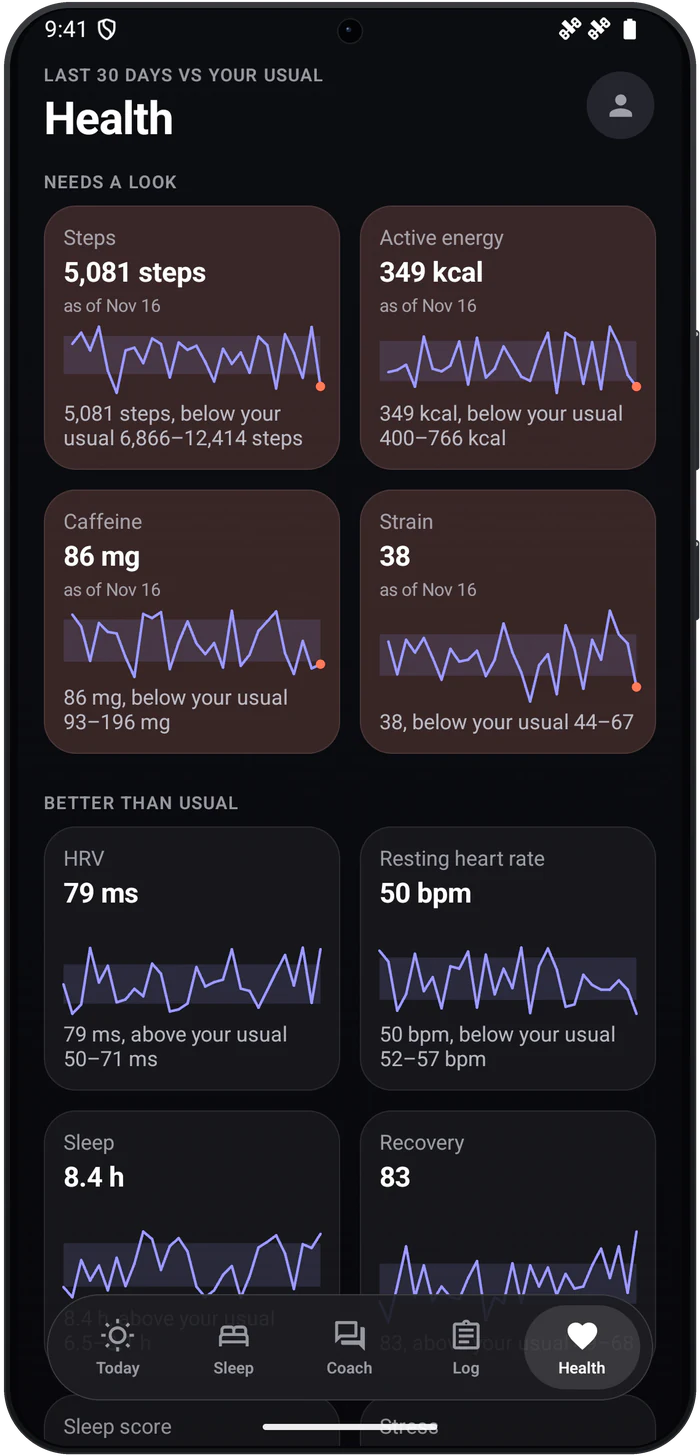
When recovery drops nine points, you see which input took them and by how much. Every score lists its inputs next to your personal baseline.
Long term
See how resting heart rate, HRV, VO2max, sleep consistency and activity each add or take years. Plus training load and an illness watch.
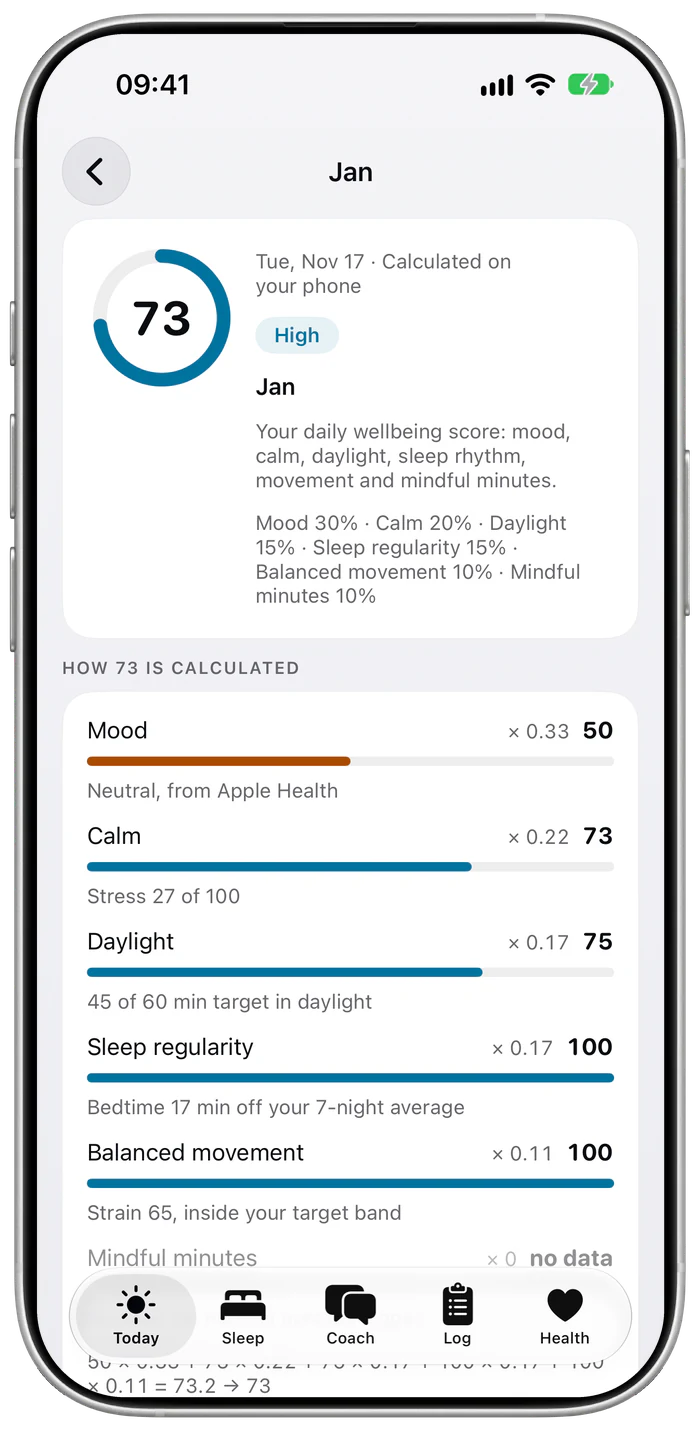
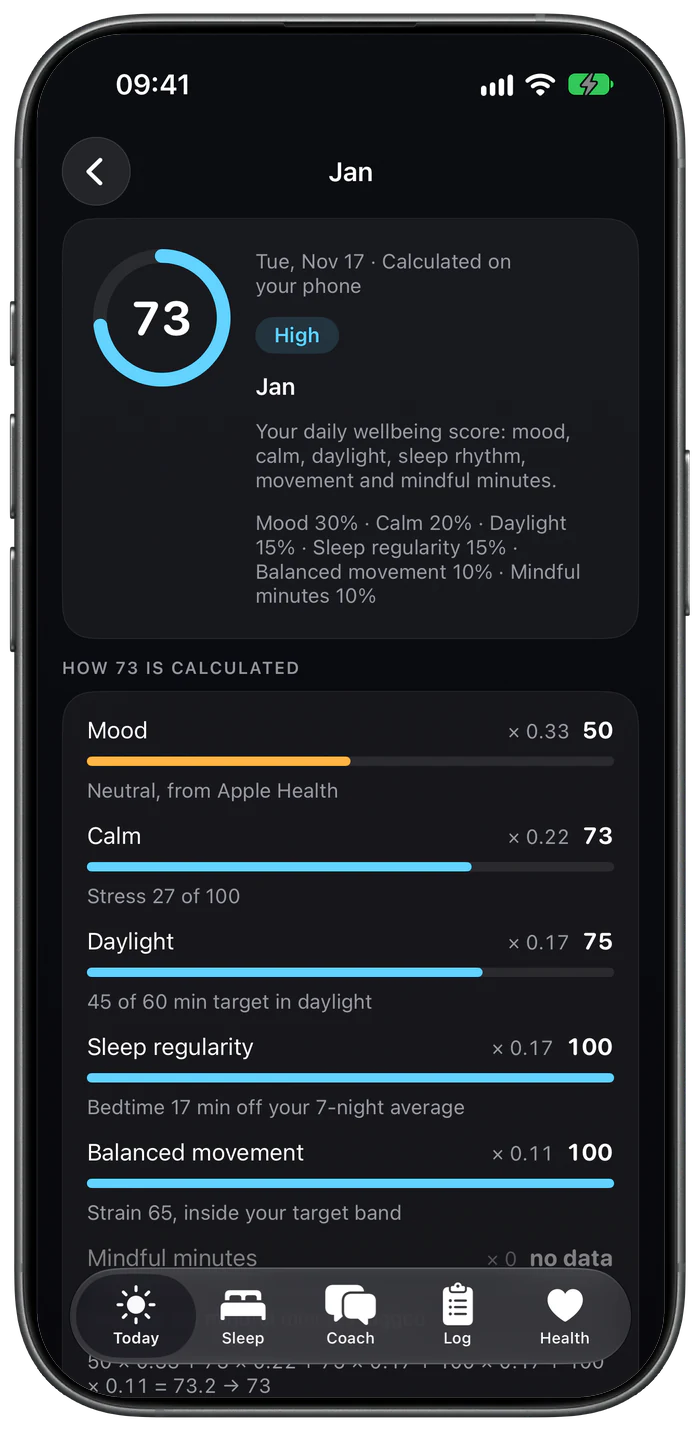
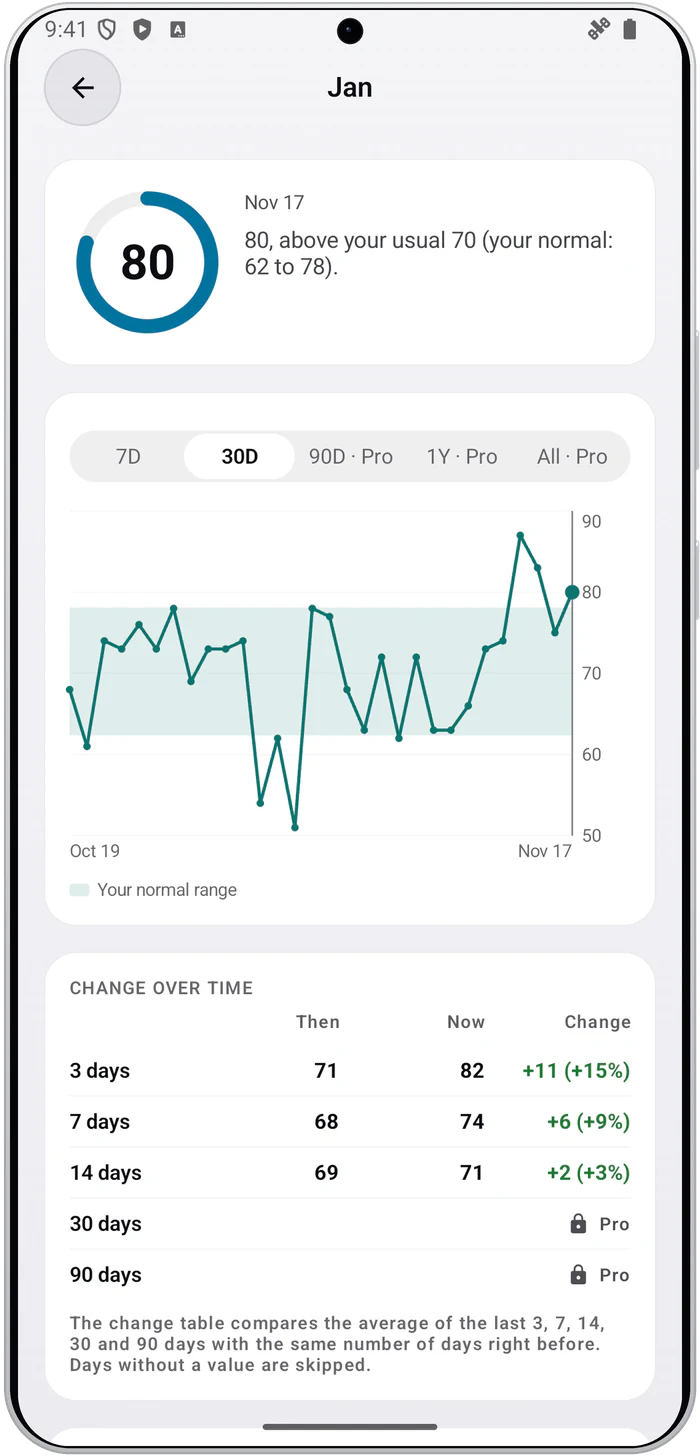
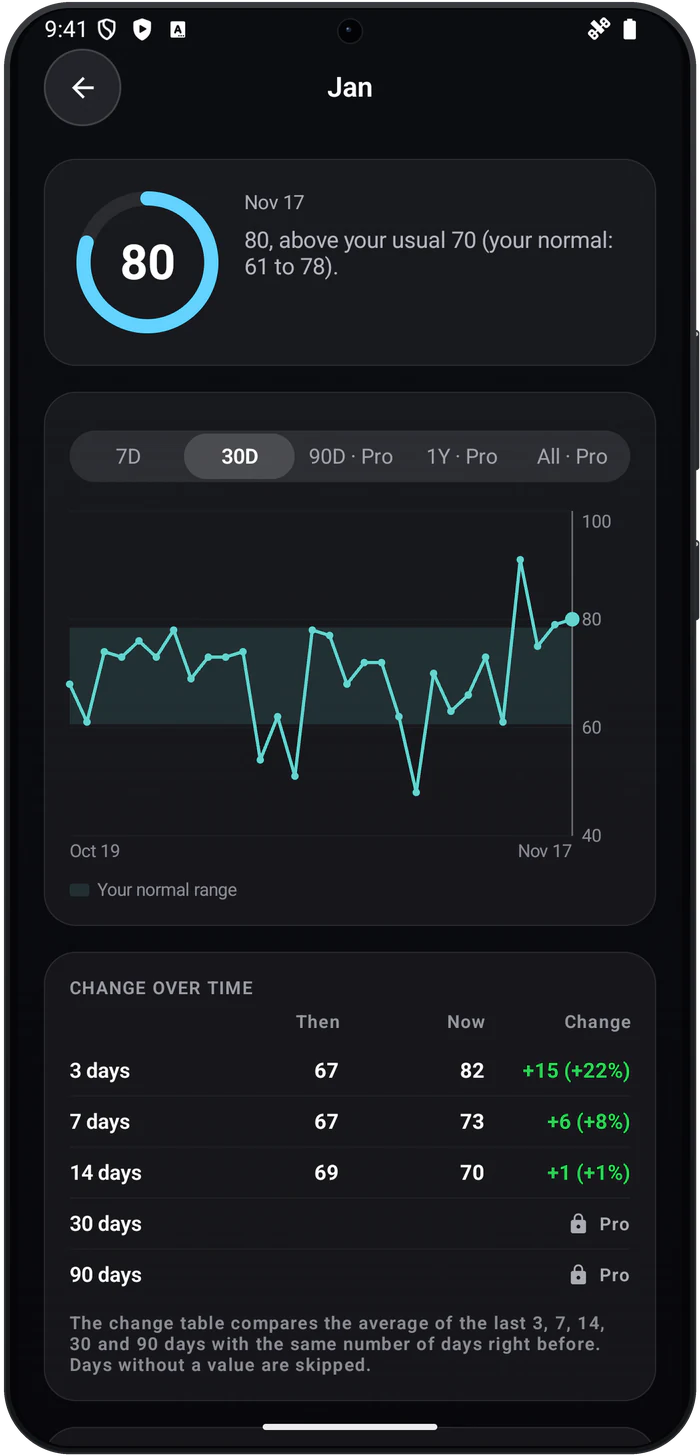
Jan
Jan weighs mood, calm, daylight, sleep regularity, balanced movement and mindful minutes into one daily number. Mood comes from your check-in or Apple Health State of Mind, and every part shows what it counted.
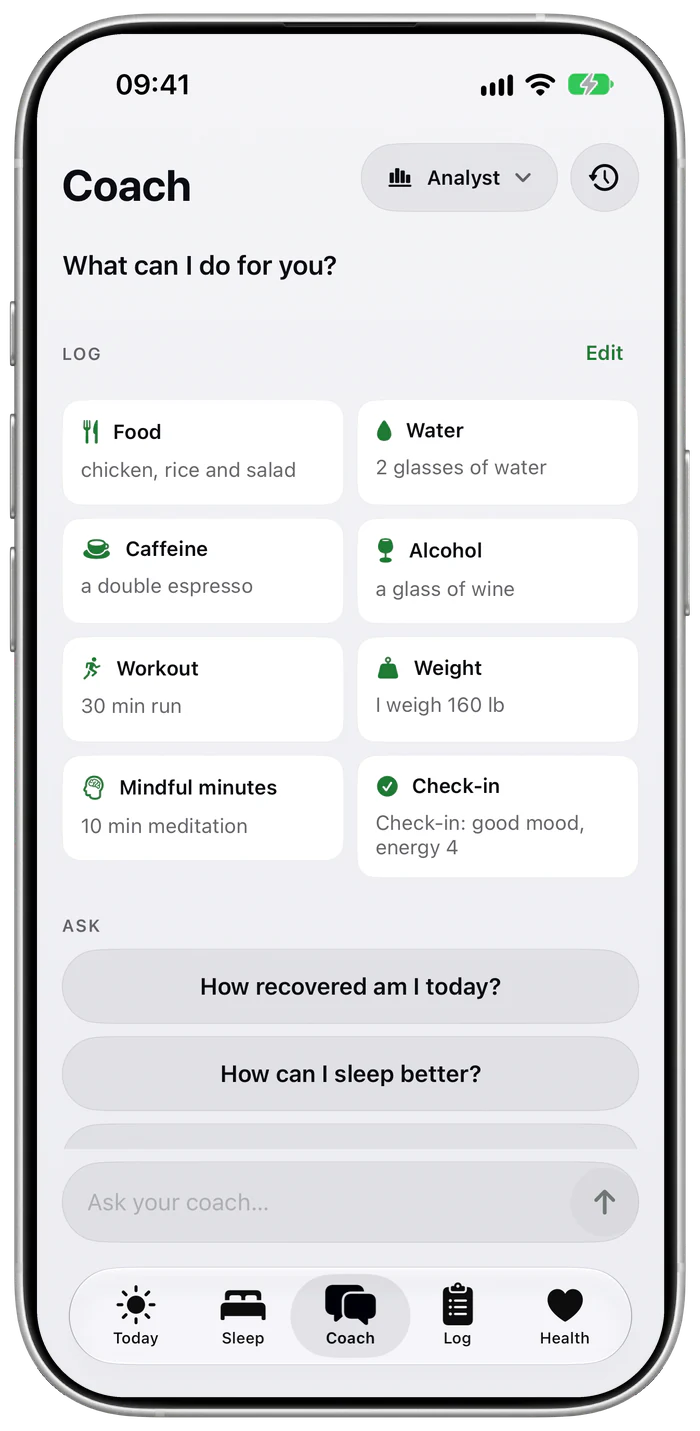
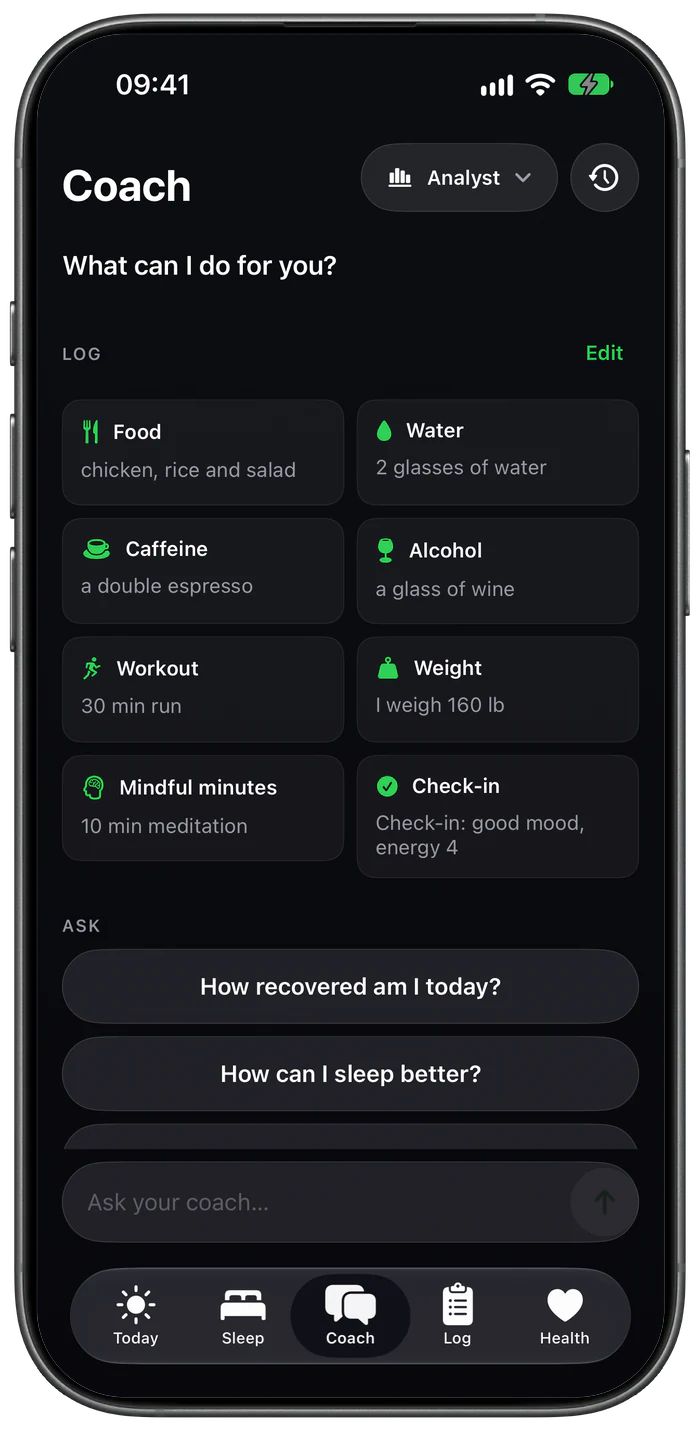
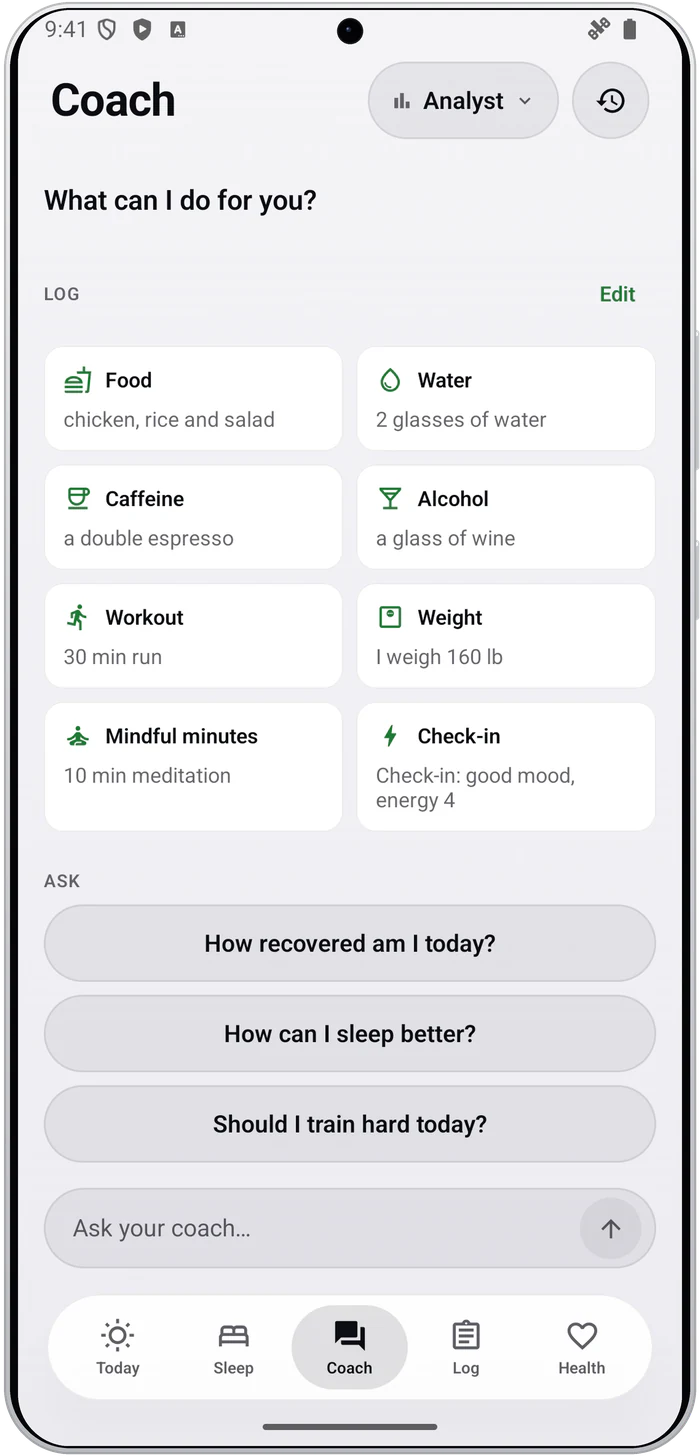
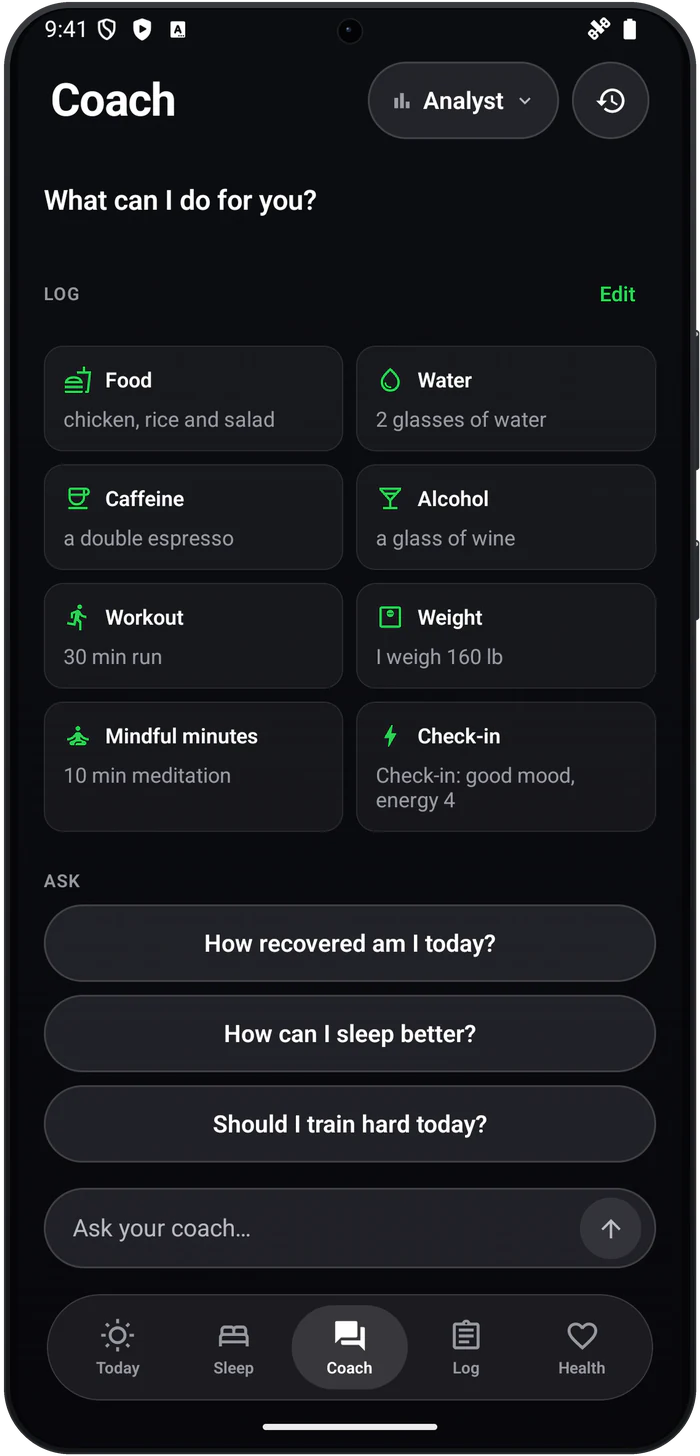
Coach
The coach answers from your recent metrics, not generic advice. Pick the voice that suits you: Analyst, Guardian, Buddy, Commander or Jan.
Nutrition
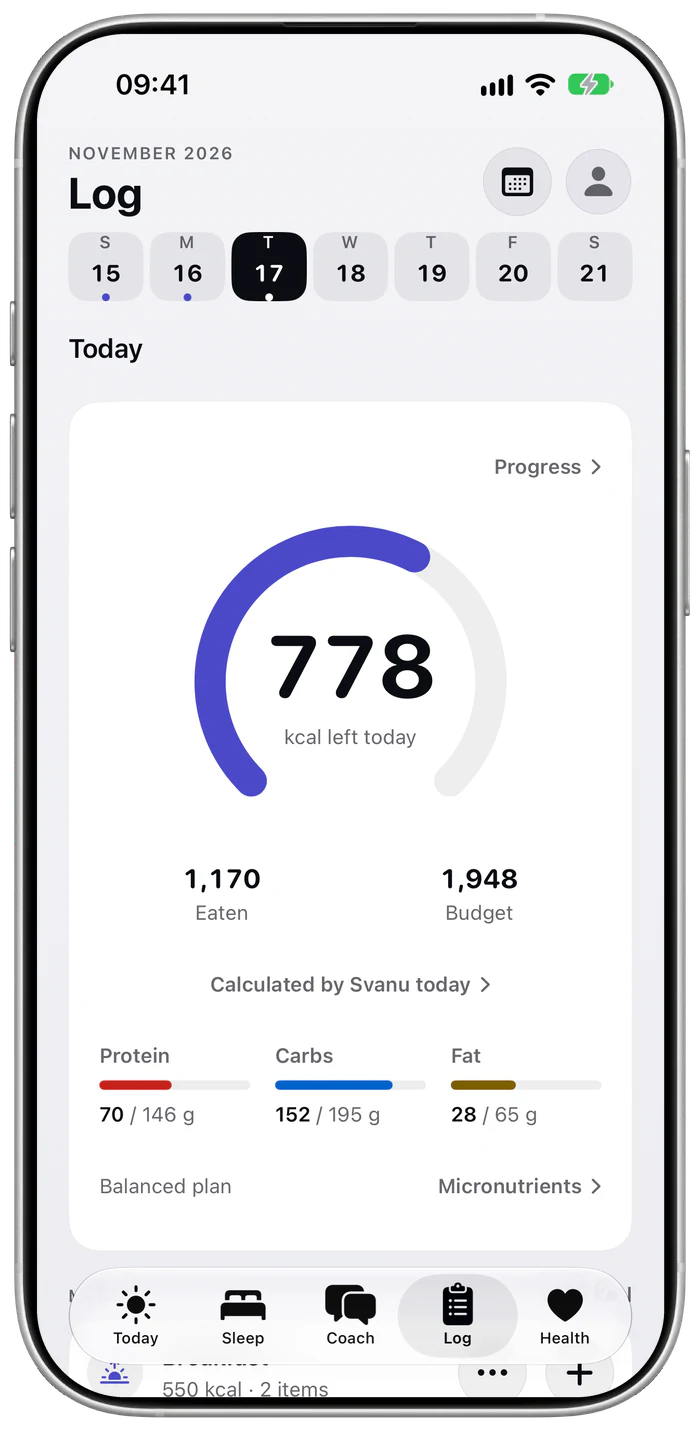
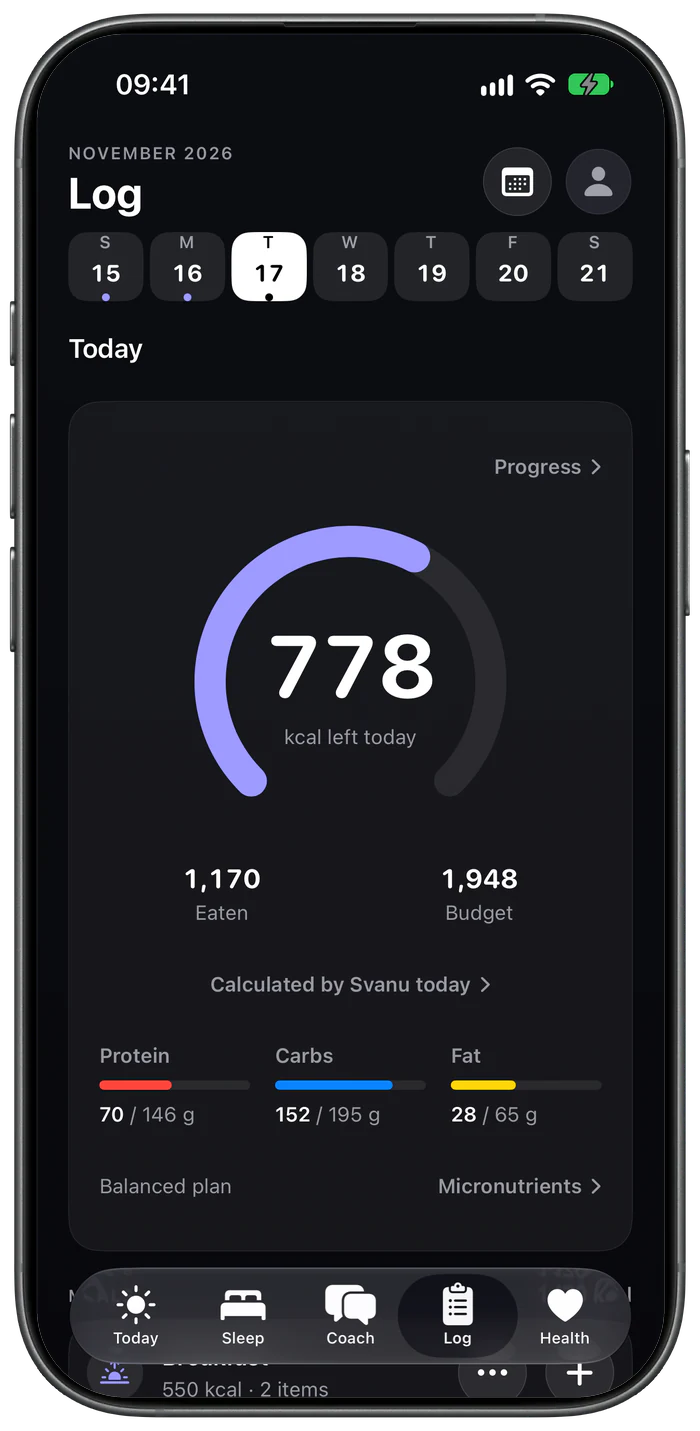
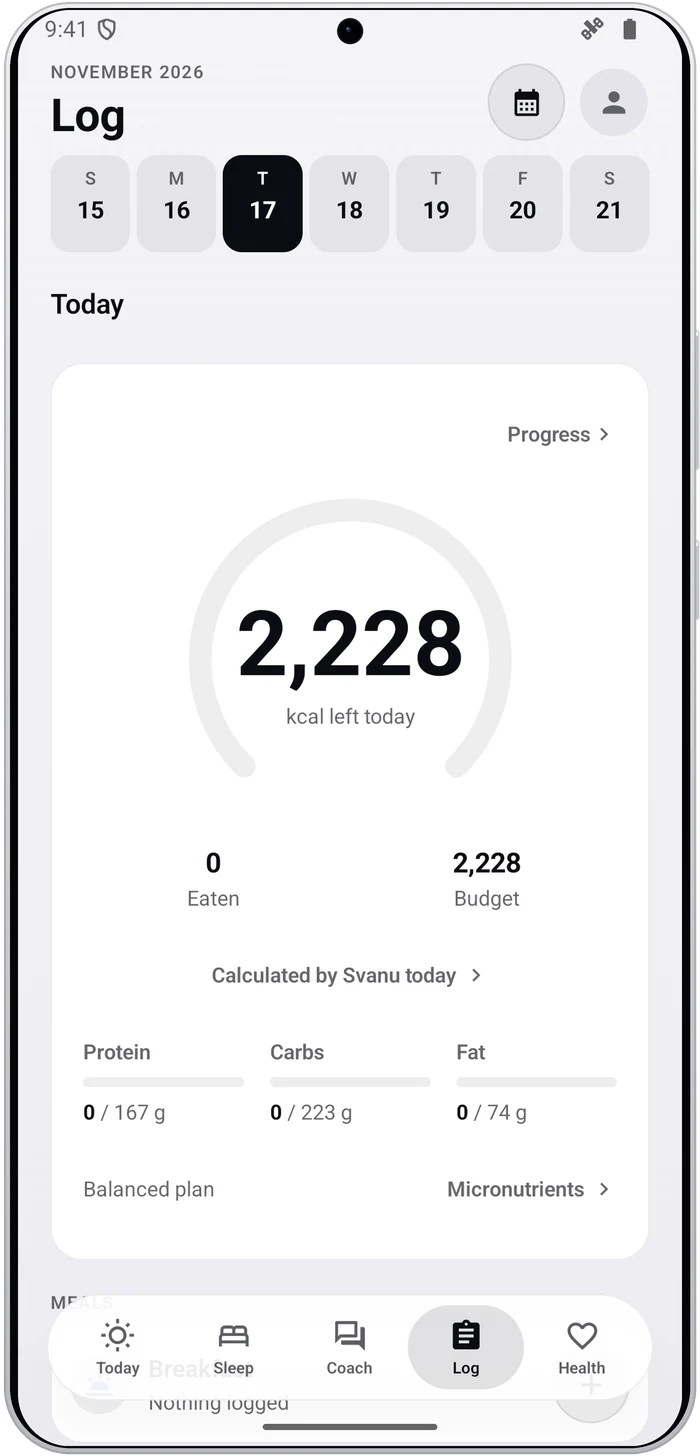
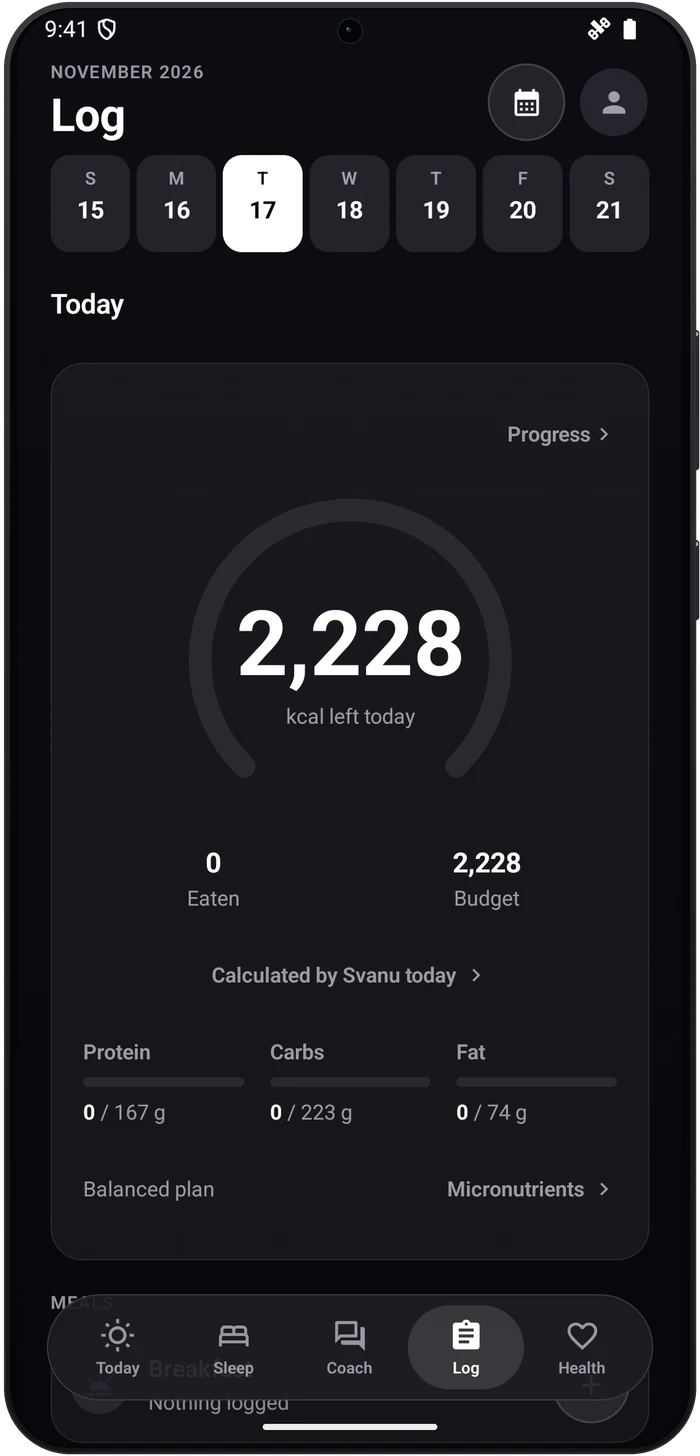
Snap a plate or search a food database for calories and macros. Plan meals up to a week ahead, and log coffee and drinks at the time you had them, so caffeine and alcohol line up with your sleep.
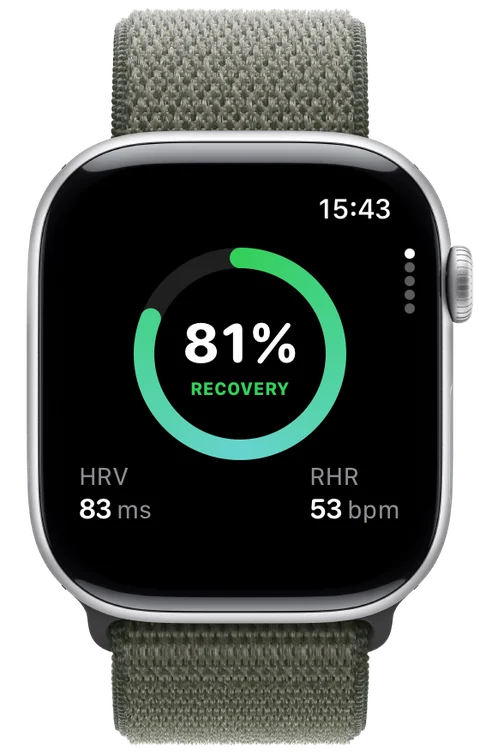
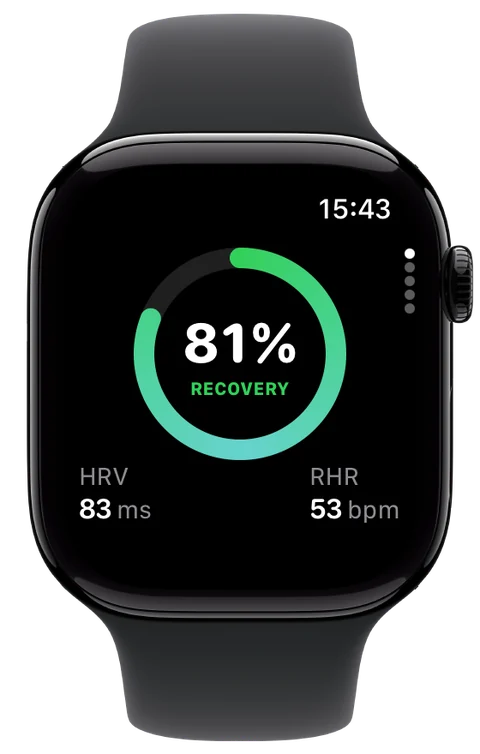
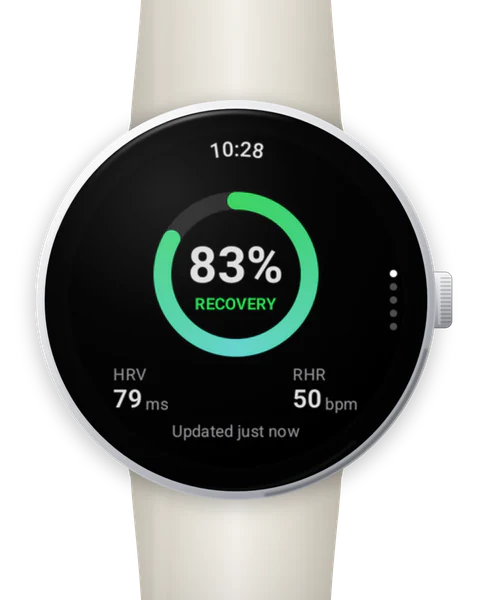
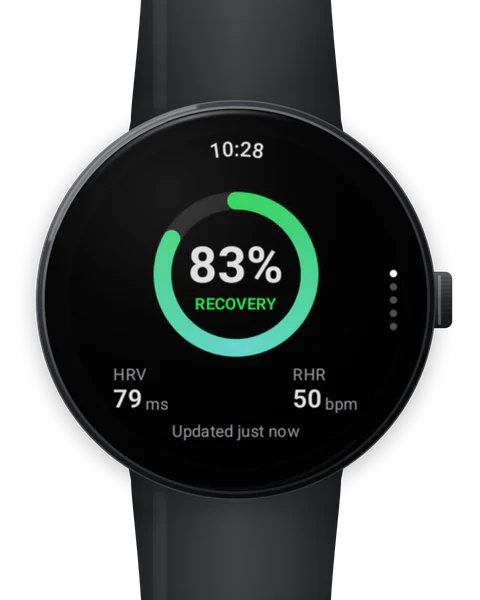
Recovery, sleep, strain against today's target and steps, a swipe apart. Synced from your iPhone.
Included free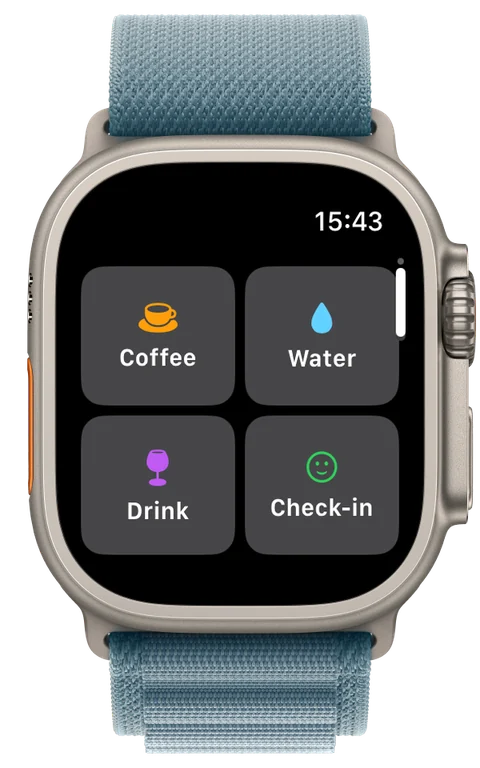
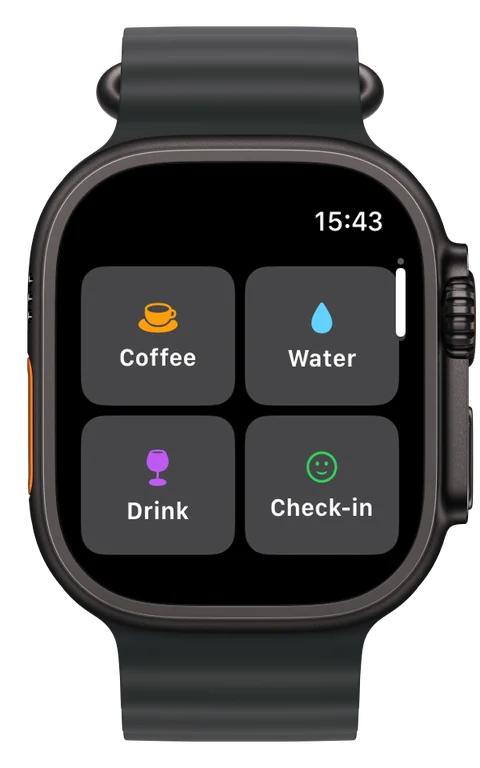
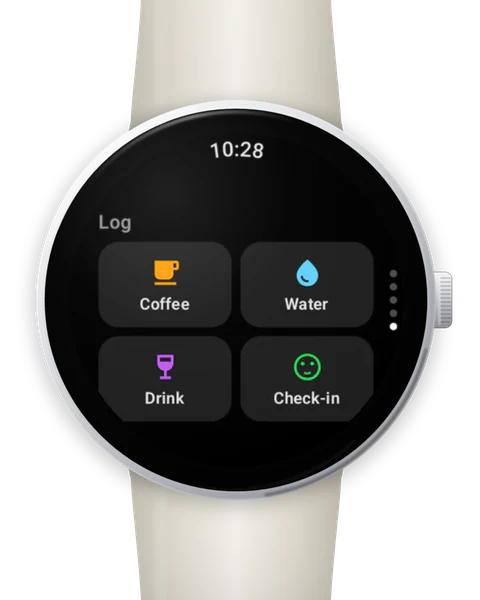
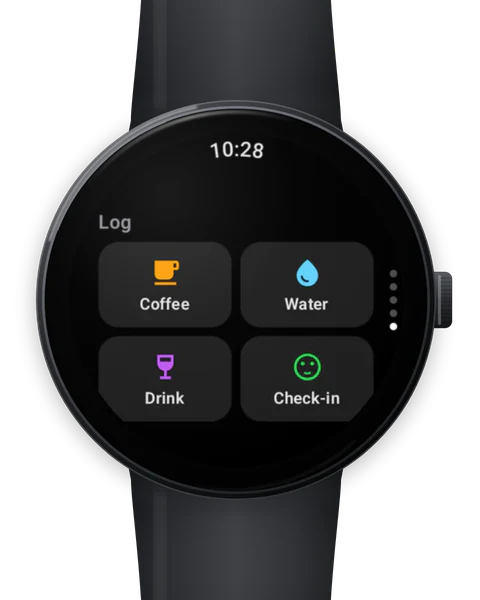
Coffee, water, a drink or the daily check-in in one tap. It lands in Svanu and Apple Health.
Apple Watch and Ultra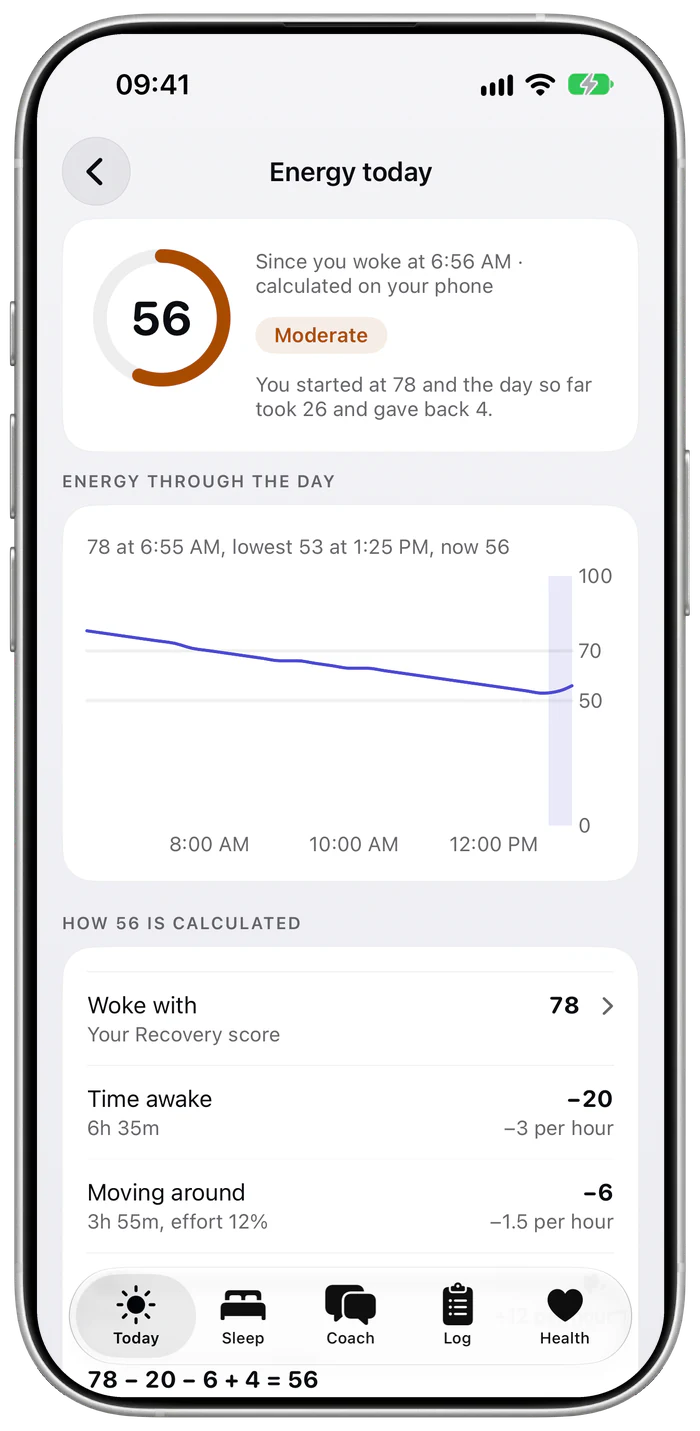
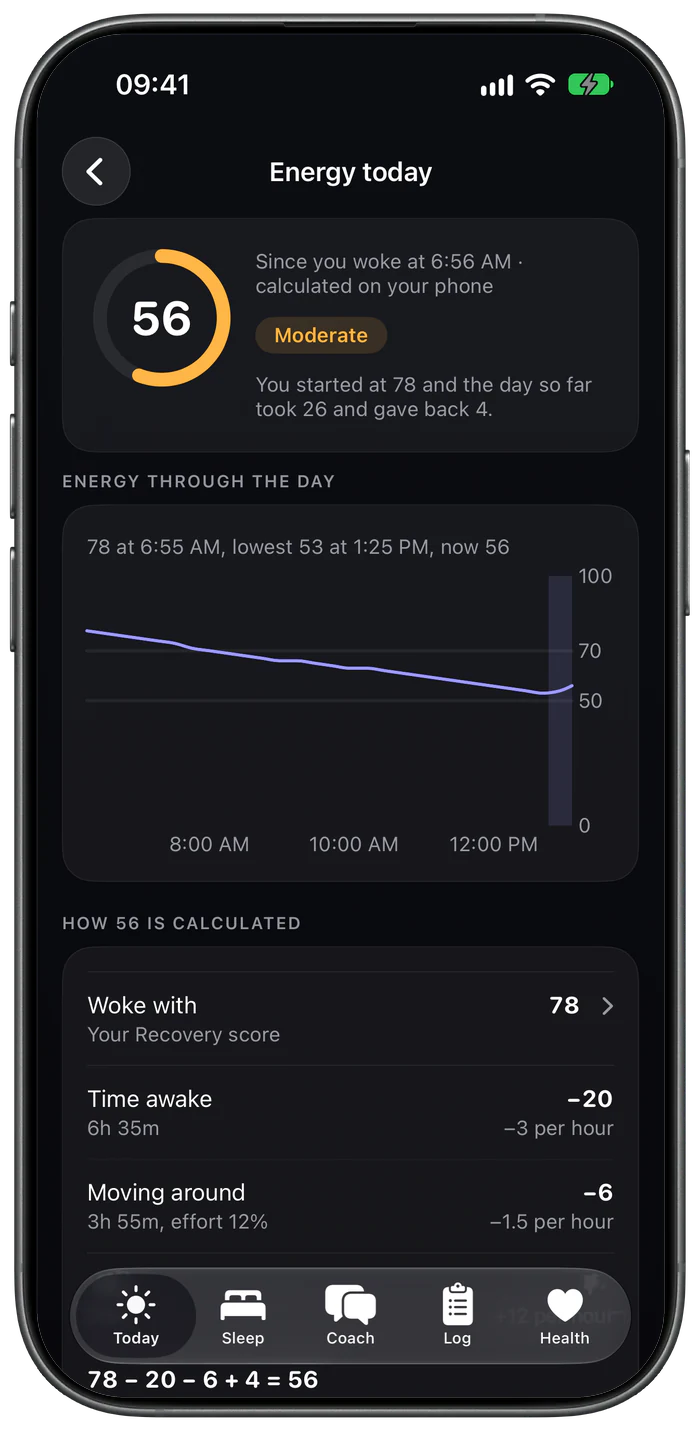
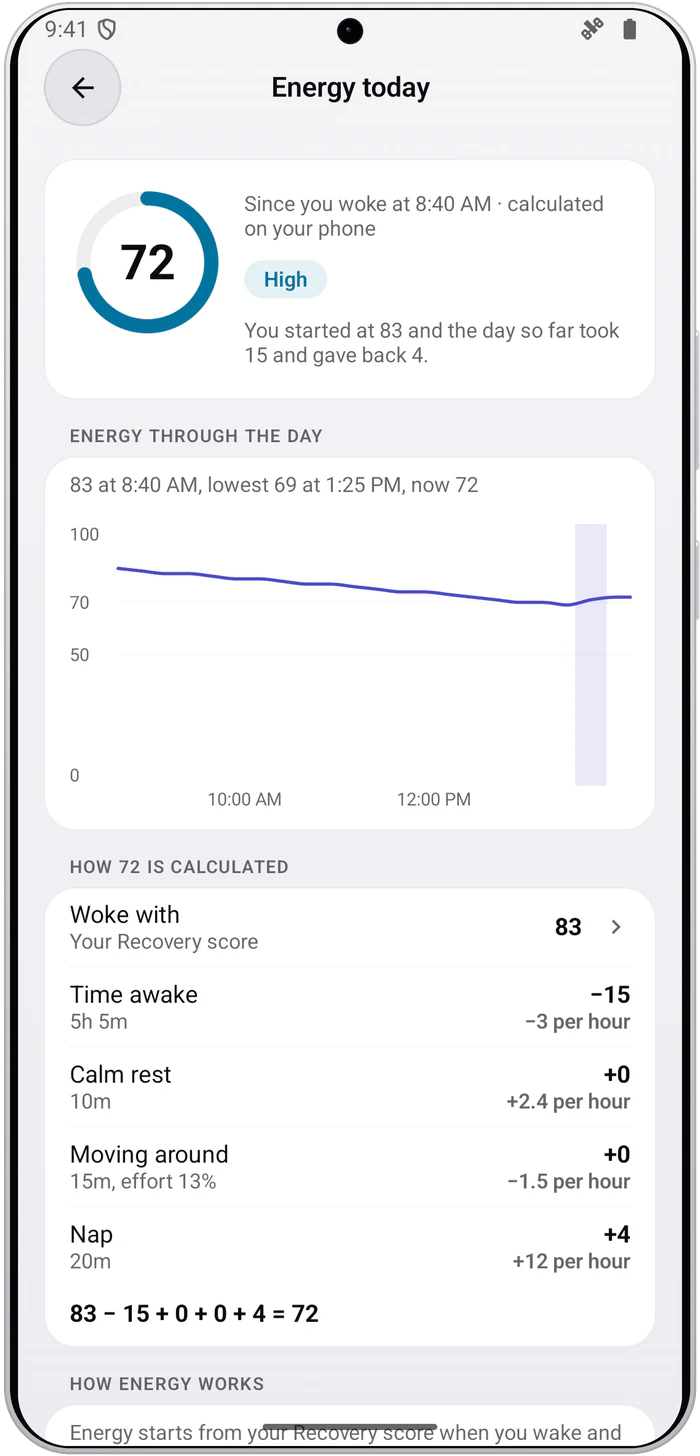
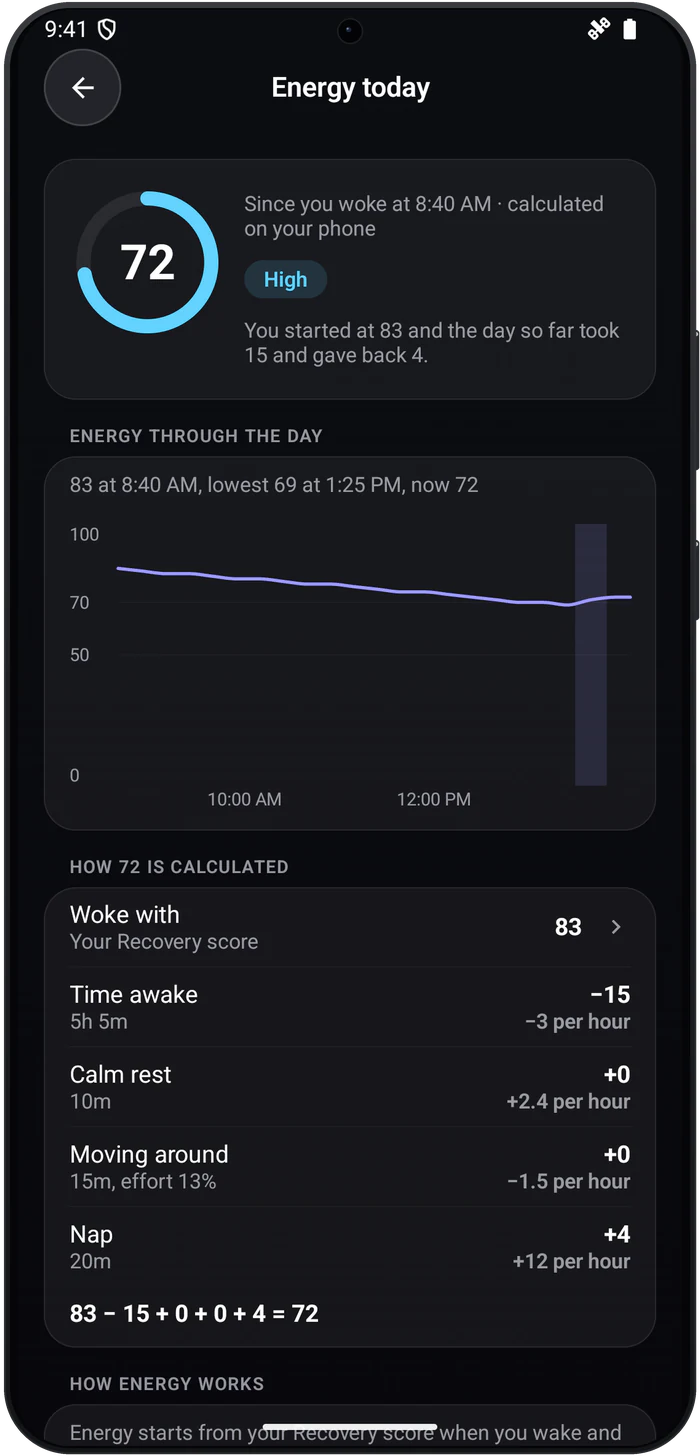
See an estimated energy level that starts from recovery and changes with activity, rest and naps. Open the breakdown to see what moved it and how much data is available.
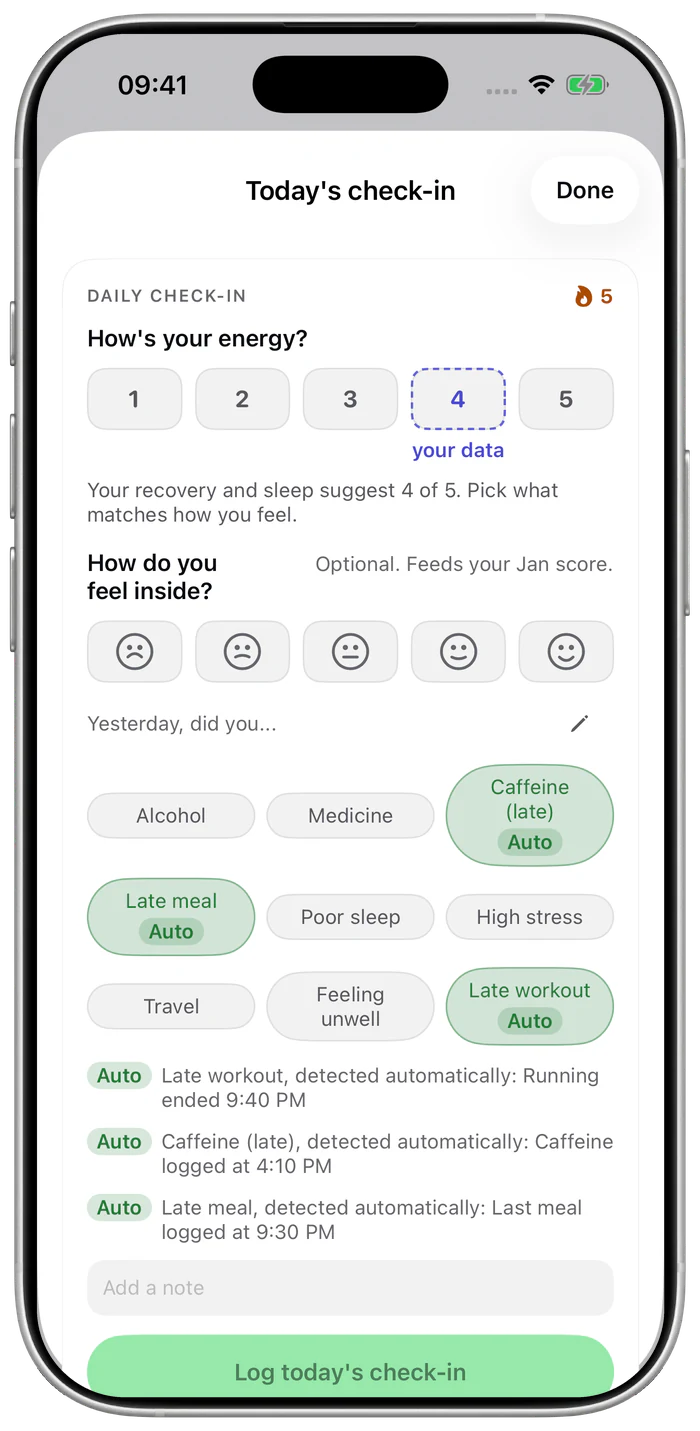
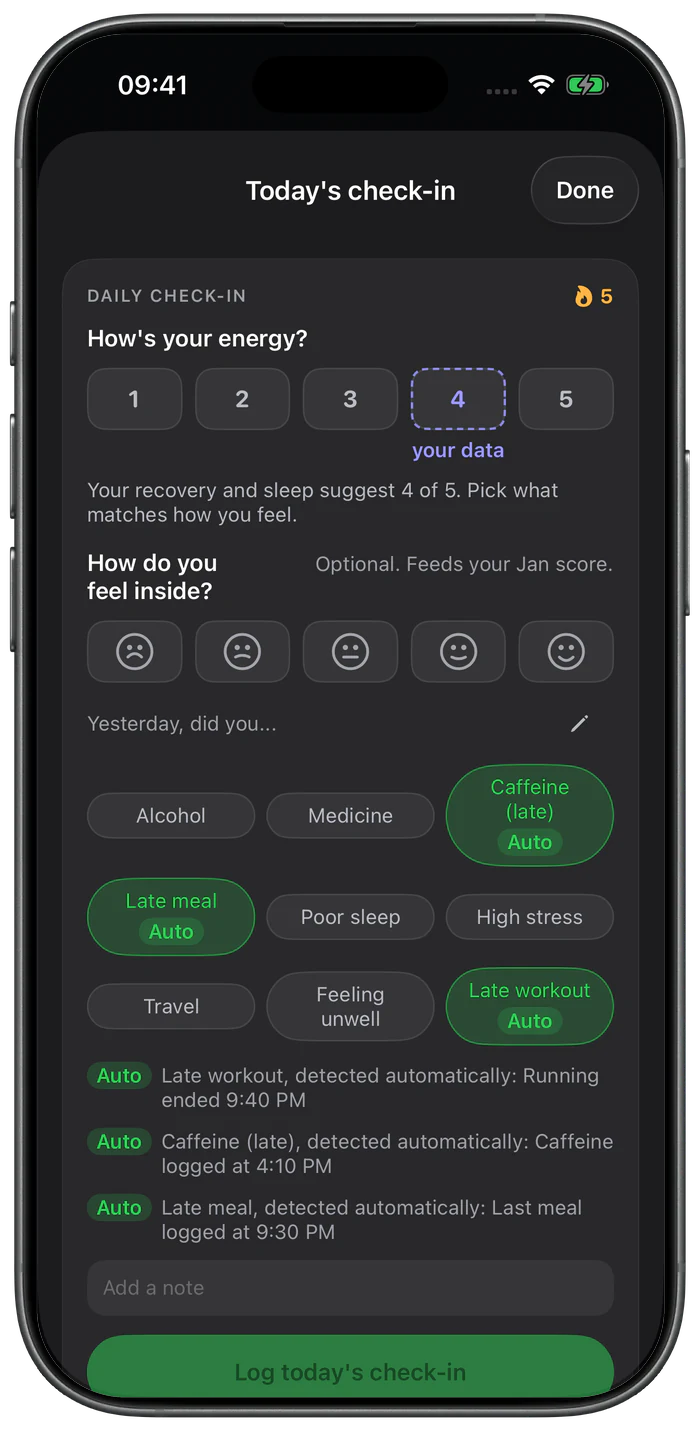
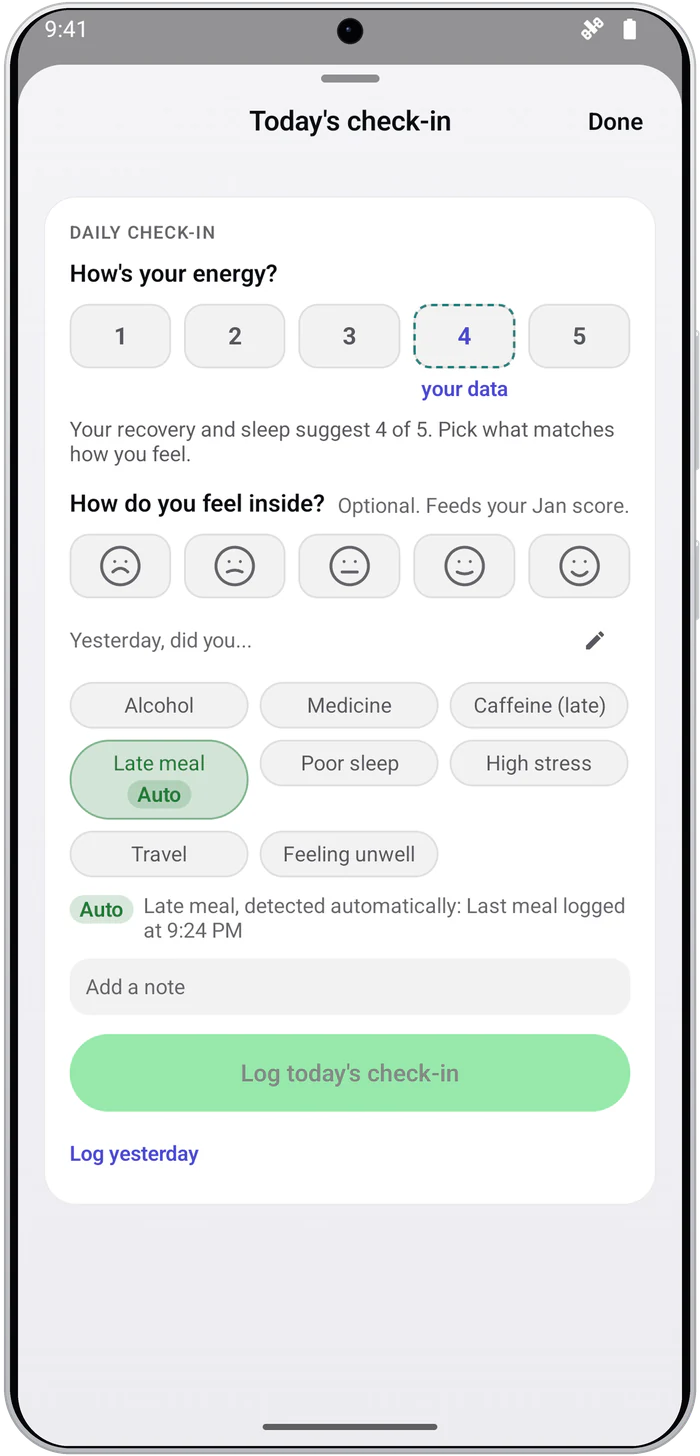
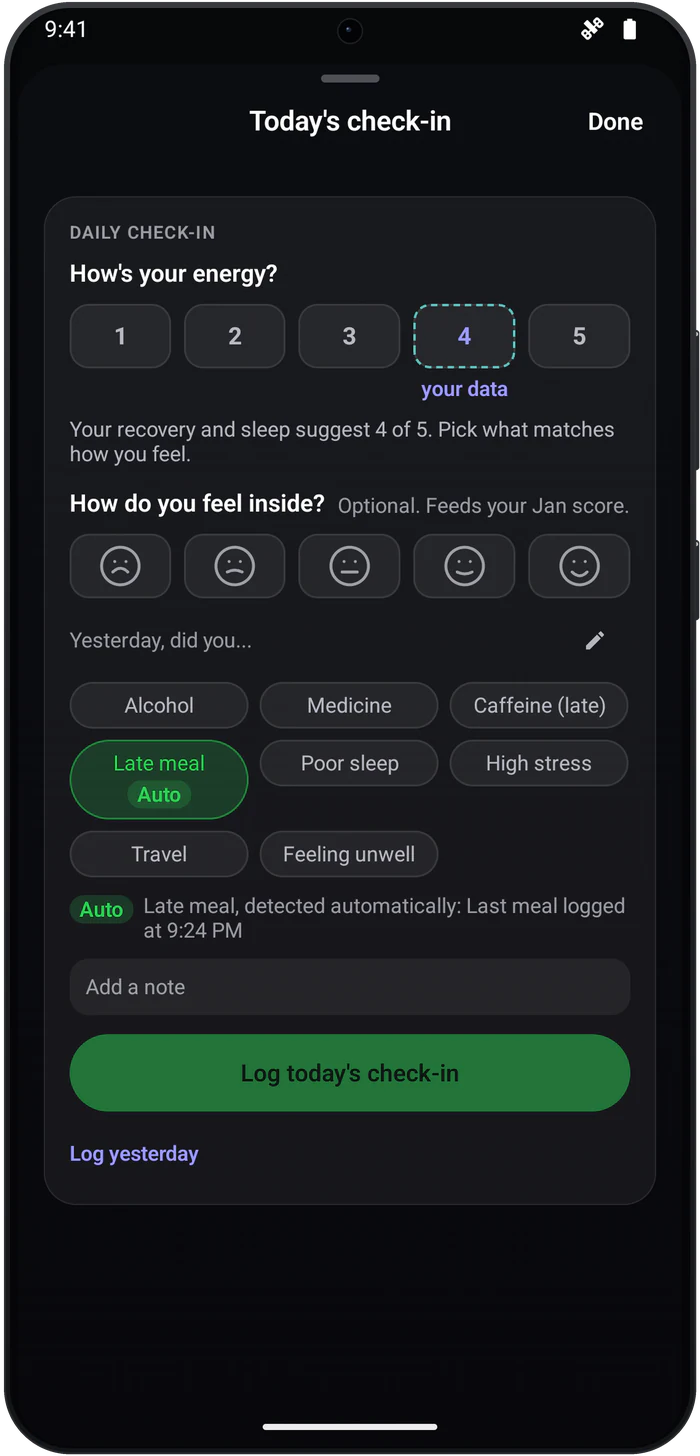
Supported workout and nutrition records can suggest check-in tags, with an explanation. Review or remove them yourself. Available suggestions depend on the data your platform provides.
Rest a fingertip on the camera for 20 to 30 seconds. Morning readings build their own baseline, measured on the phone with no images saved or sent.
Ask for today’s recovery, why it moved or how you slept, or log a coffee by voice.
Wakes you in a lighter stage inside the window you choose.
Reorder, show and hide the cards on the Today screen.
An early warning when resting heart rate, HRV, breathing rate and wrist temperature drift from your baseline. Not a diagnosis.
Estimated cycle phase next to recovery, from the cycle data in Apple Health.
Recovery and sleep on the Home Screen and Lock Screen.
On your phone, in the app and Apple Health. Scores are computed on the device. Our servers keep subscription state, AI usage counters, anonymous daily usage counts (you can turn them off) and standard server logs. They store no health data.
Your question goes through our server to an AI model with your recent metrics and, depending on what you ask, your profile, medications and supplements, lab results and check-in notes. Before your first request the app lists what can be sent, and you agree to it.
No. Svanu works fully without one.
Yes. Svanu runs on iPhone with iOS 17 or later and on Android phones with Android 9 or later, with the same scores, coach and nutrition. On iPhone it reads Apple Health and has an Apple Watch app; on Android it reads Health Connect and has a Wear OS app.
Not to start. Steps and workouts come from your iPhone, and HRV can be measured with the iPhone camera. Sleep scores need something that records sleep to Apple Health.
Yes. Export your data as CSV and JSON from the app’s settings.
No. A watch must share the measurement with Apple Health or Health Connect, and you must allow Svanu to read it. A synced workout does not guarantee that HRV or sleep stages are available. Check your source app and permissions.
The App Store and Google Play listings are coming soon. Download links will appear here when the apps are available.